
TV Screen Flickering Problem in Vizag – Fast Fix Guide
TV screen flickering in Vizag? Learn causes, quick fixes & when to call experts. Fast doorstep repair for LED/Smart TVs. If you’re facing a TV Screen Flickering Problem in Vizag, you’re not alone.
Many households in Visakhapatnam experience screen blinking, dimming, or unstable brightness—especially during voltage fluctuations or heavy TV usage. This issue can be frustrating while watching your favorite shows or sports.
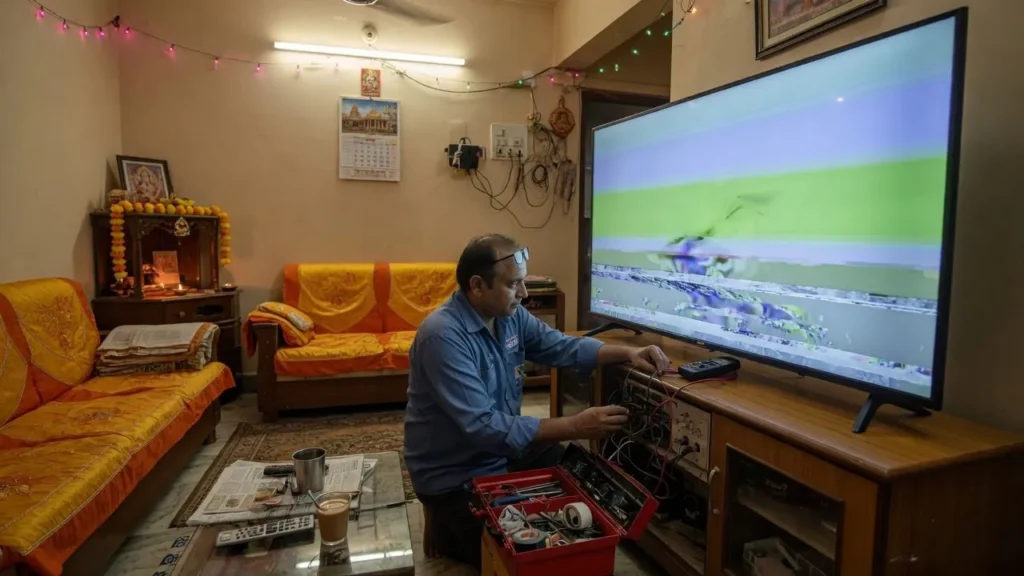
The good news is: most flickering problems can be diagnosed and fixed quickly if handled properly. In this guide, we’ll explain the causes, how to identify the issue, and the best repair solutions available in Vizag.
What is a TV Screen Flickering Problem?
A flickering TV means the display is not stable. You may notice:
- Screen blinking on and off
- Sudden brightness changes
- Flashing or dimming
- Horizontal or vertical flicker lines
These symptoms usually point to internal hardware or power-related problems.
Common Causes of TV Screen Flickering in Vizag
1. Backlight Failure
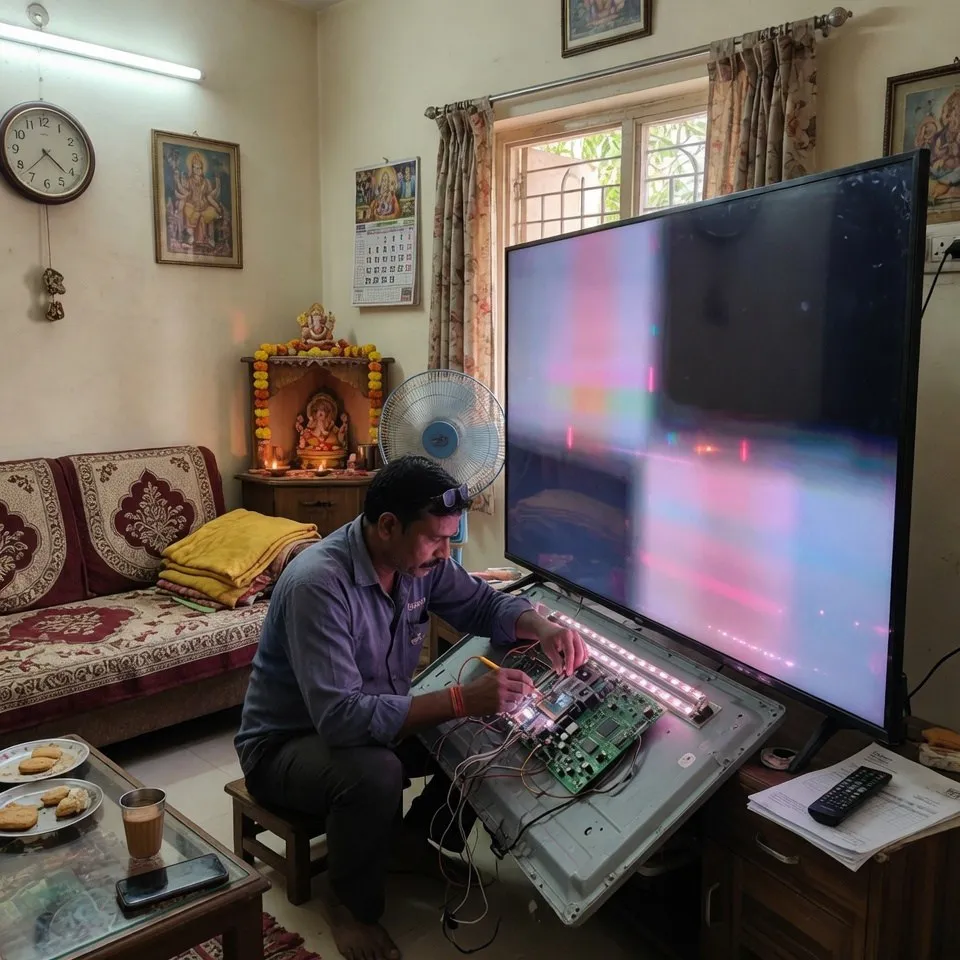
The most common cause. LED strips inside the TV weaken over time, causing uneven brightness or flickering.
👉 Related service: https://tvrepairsvizag.in/backlight-no-picture-repair/
2. Power Fluctuation Issues
In Vizag, voltage fluctuations are common. Unstable power supply can affect internal circuits and cause flickering.
👉 Related service: https://tvrepairsvizag.in/power-issues-standby-light-blinking/
3. Display Panel Problems
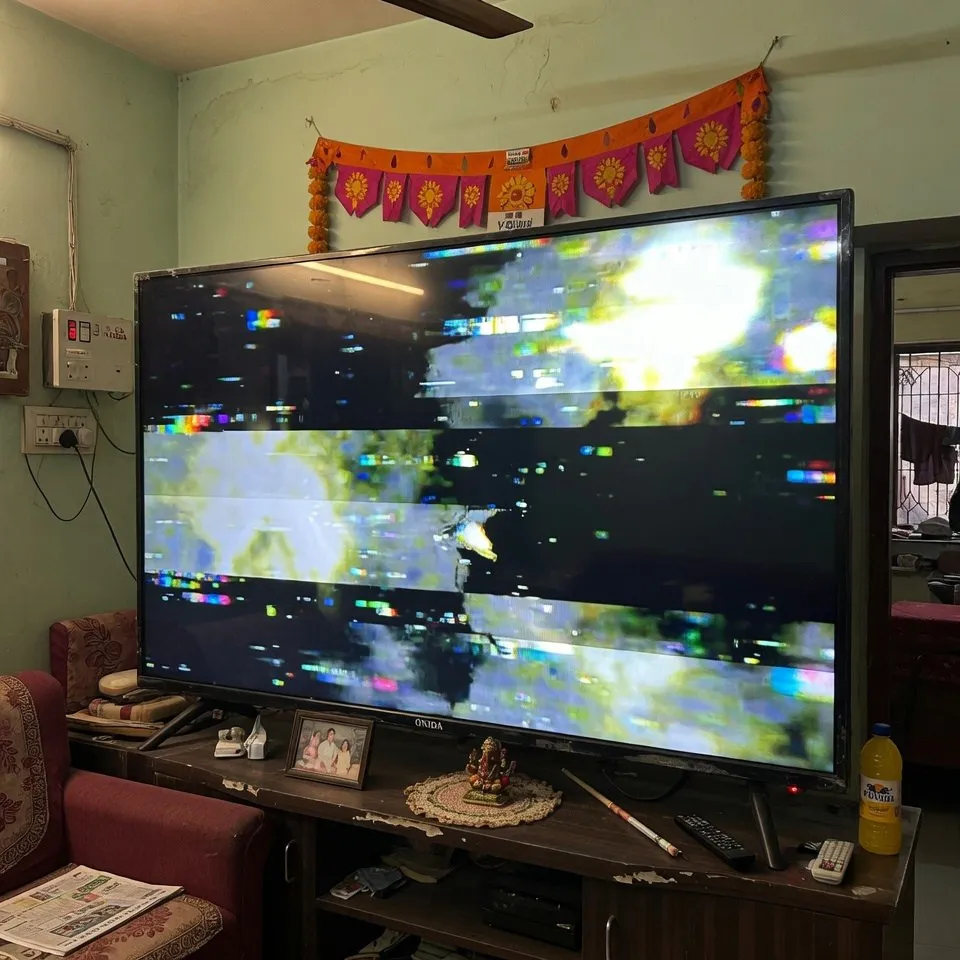
If the panel is damaged, flickering may appear along with lines or color distortion.
👉 Related service: https://tvrepairsvizag.in/display-lines-color-patch-fix/
4. T-CON or Main Board Issues
Signal processing boards control display output. Faults here can lead to unstable images.
👉 Related service: https://tvrepairsvizag.in/main-board-t-con-power-board-repair/
How to Identify the Exact Problem
Before calling a technician, try these simple checks:
- Restart your TV
- Check HDMI cable connection
- Try different input source
- Reduce brightness settings
- Check if flicker appears on all channels
If the issue continues, it’s likely a hardware problem.
Quick Fixes You Can Try at Home
✔ Turn off energy-saving mode
✔ Reset picture settings
✔ Use a voltage stabilizer
✔ Ensure proper ventilation
⚠️ If flickering continues, avoid using the TV. Continued use can worsen internal damage.
Professional TV Flickering Repair in Vizag
When basic troubleshooting doesn’t work, professional repair is required.
At TV Repair Vizag, we provide:
- Accurate diagnosis
- Backlight replacement
- Board repair
- Display issue fixing
- Doorstep service across Vizag
👉 Explore all services: https://tvrepairsvizag.in/services/
Why Choose Local Repair Service in Vizag
- Faster response time
- Easy home service
- Better understanding of local power issues
- Cost-effective repair compared to replacement
Service Areas Covered
We provide TV repair across:
- Seethammadhara
- MVP Colony
- Dwaraka Nagar
- Gajuwaka
- NAD
- Madhurawada
👉 View all areas: https://tvrepairsvizag.in/service-areas/
External Reference
For technical understanding of TV display issues, refer:
https://en.wikipedia.org/wiki/Liquid-crystal_display
Types of TV Flickering Problems (Detailed Guide)
Not all flickering problems are the same. Understanding the type of flicker helps in faster diagnosis and accurate repair. In many cases in Vizag homes, technicians observe different flicker patterns depending on the internal fault.
1. Continuous Screen Flickering
This is when your TV keeps blinking constantly without stopping. The brightness may go up and down continuously. This usually indicates backlight strip damage or power supply instability. If ignored, it can completely damage the display.
2. Intermittent Flickering
In this case, the flicker appears occasionally and then disappears. Many customers think this is a minor issue, but it often signals an early-stage problem in the main board or T-CON board. It is better to fix it early before it becomes permanent.
3. Flickering with Lines or Shadows
If your TV shows flickering along with horizontal or vertical lines, it may indicate a panel issue or display connection problem. This type of issue requires careful inspection, as panel repairs can be more complex.
4. Flickering Only on Certain Inputs
Sometimes flickering appears only when using HDMI, USB, or set-top box input. In such cases, the problem might not be the TV itself but could be due to:
- Faulty HDMI cable
- Set-top box signal issue
- Loose connections
Still, if the issue continues across all inputs, it confirms an internal hardware fault.
Impact of Vizag Climate on TV Flickering
Many people don’t realize that Vizag’s coastal climate also plays a role in TV issues.
- Humidity can affect internal circuits
- Dust accumulation can damage backlight components
- Heat during summer increases stress on LED strips
That’s why regular maintenance and proper ventilation are important for long TV life.
When Should You Call a Technician Immediately?
You should not delay repair if:
- Flickering is increasing day by day
- Screen goes completely dark sometimes
- TV restarts automatically
- Burning smell or heating is noticed
Delaying repair can increase cost and may even lead to complete display failure.
Pro Tip to Avoid Future Flickering Issues
✔ Always use a voltage stabilizer
✔ Avoid keeping brightness at maximum for long hours
✔ Turn off TV when not in use
✔ Clean dust around vents regularly
These small habits can reduce future repair costs and improve TV performance.
Step-by-Step Troubleshooting for TV Flickering Problem in Vizag
When facing a TV Screen Flickering Problem in Vizag, many users immediately panic and assume the TV is completely damaged. But in reality, some issues can be identified step by step before calling a technician. This helps in understanding the severity of the problem and also avoids unnecessary expenses.
Step 1: Check Power Source Stability
In Visakhapatnam, voltage fluctuation is one of the most common reasons for TV flickering. First, check whether your TV is directly connected to the power supply without a stabilizer.
- If yes, try connecting through a stabilizer
- If already using a stabilizer, check if it is working properly
- Observe if flickering happens during voltage drops
If the flickering reduces after stabilizing power, then the issue is likely related to power supply.
Step 2: Inspect HDMI and External Devices
Sometimes the flickering issue is not from the TV but from external devices.
- Remove HDMI cable and reconnect
- Try a different HDMI cable
- Switch input source (TV channels, OTT apps, USB)
If flickering appears only on one source, then the issue is external and not internal.
Step 3: Adjust Picture Settings
Many users increase brightness to maximum, especially during daytime. This can stress the backlight.
Try this:
- Reduce brightness to 50–70%
- Turn off energy-saving mode
- Reset picture settings
If flickering reduces, it indicates backlight strain rather than full damage.
Step 4: Restart and Reset TV
Software glitches in Smart TVs can also cause flickering.
- Restart TV completely
- Perform factory reset if needed
- Update firmware if available
If flickering continues after reset, it confirms a hardware issue.
Detailed Explanation of Internal Components Involved
Understanding what happens inside your TV helps in better decision-making.
Backlight System
This is the main light source behind the screen. When LEDs inside weaken or fail:
- Brightness becomes unstable
- Screen flickers continuously
- Some areas become darker
👉 This is the most common repair in Vizag households.
T-CON Board
This board controls signal flow to the display panel.
- If damaged, screen shows flickering + lines
- Display becomes unstable
- Colors may distort
👉 Requires professional repair, not DIY.
Power Supply Board
Controls voltage distribution inside TV.
- Fluctuating power causes flickering
- TV may restart automatically
- Screen may blink randomly
👉 Very common in areas with unstable electricity.
Display Panel
The most sensitive and expensive part.
- Flickering with lines or patches
- Permanent brightness issues
- Physical damage impact
👉 Needs careful inspection before repair.
Real Customer Scenario in Vizag
A customer from MVP Colony recently faced a flickering issue in their Smart TV.
Problem:
- Screen blinking every 5–10 seconds
- Brightness dropping randomly
Diagnosis:
- Backlight strip partially damaged
Solution:
- Replaced backlight strip
- Calibrated brightness
Result:
- TV working perfectly within same day
👉 This shows how early repair can prevent major expenses.
Why Immediate Repair is Important
Many users delay repair thinking it’s a small issue. But flickering can lead to:
- Complete display failure
- Higher repair cost
- Damage to other internal components
👉 Early diagnosis = Lower cost + better results
Cost vs Replacement Decision
A common doubt:
Should I repair or buy a new TV?
👉 In most cases:
- Backlight repair = Affordable
- Board repair = Moderate cost
- Panel damage = Depends on severity
For TVs less than 5–7 years old, repair is usually the better option.
Professional Repair vs Local Technician
Choosing the right service matters.
Professional Service:
✔ Proper diagnosis
✔ Genuine parts
✔ Safe repair
✔ Warranty support
Untrained Technician:
❌ Temporary fixes
❌ Risk of more damage
❌ No proper testing
👉 Always choose trusted TV repair service in Vizag.
Extra Tips for Long-Term TV Performance
- Keep TV in ventilated area
- Avoid moisture exposure
- Don’t run TV continuously for long hours
- Clean vents regularly
- Use proper power supply
FAQ
1. Why is my TV screen flickering?
Usually due to backlight failure, power fluctuation, or internal board issues.
2. Can flickering TV be repaired?
Yes, most flickering issues can be repaired without replacing the TV.
3. Is flickering dangerous for the TV?
Yes, if ignored, it can damage internal components further.
4. How much does flickering repair cost?
Depends on the issue, but usually cheaper than buying a new TV.
5. Do you provide doorstep repair in Vizag?
Yes, full home service is available.
Final Thought
A TV Screen Flickering Problem in Vizag is very common, but it should never be ignored. Whether it is a minor brightness issue or a major internal fault, identifying the problem early ensures better repair outcomes.
With the right diagnosis and professional support, your TV can be restored quickly without the need for replacement.
Final CTA
If your TV screen is blinking or flickering, don’t wait.
👉 Call Now: +91 7207902424
👉 Book service: https://tvrepairsvizag.in/contact/
Get fast, reliable TV Screen Flickering Repair in Vizag today.