
7 Reasons for TV Auto Restart Problem Vizag
If your TV turns on and off automatically without warning, it can be extremely frustrating. Many customers in Vizag face this issue in Smart TVs, Android TVs, LED TVs, OLED TVs, and QLED TVs. Sometimes the TV shows the logo repeatedly and restarts again and again. In other situations, the TV works for a few minutes and suddenly reboots automatically.
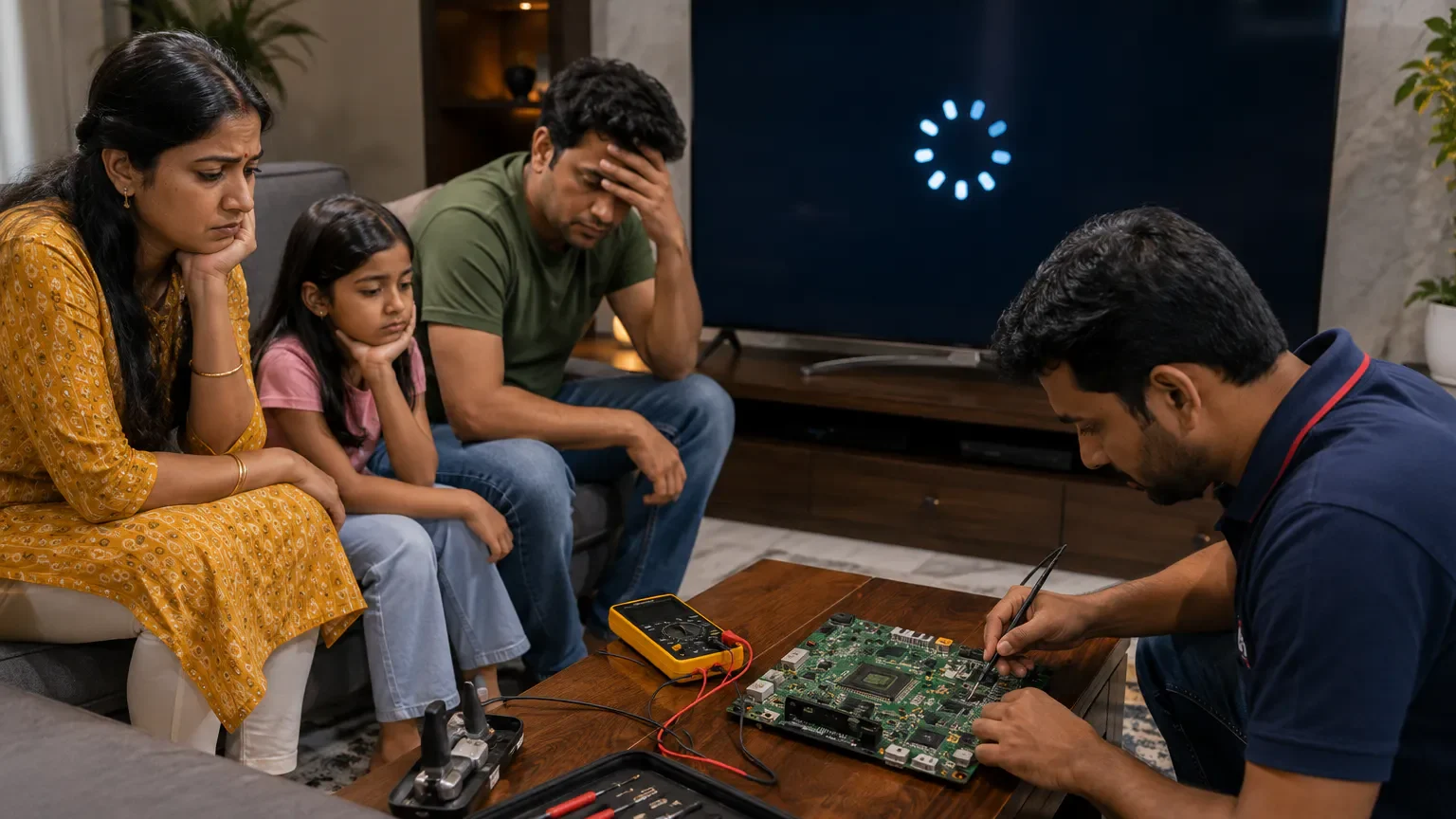
This issue is commonly searched as TV Auto Restart Problem Vizag because many users don’t know whether the problem is caused by software, motherboard, overheating, or power supply issues.
కొన్ని సార్లు ఇది simple software glitch మాత్రమే ఉంటుంది. కానీ చాలా cases లో motherboard, power supply board, overheating, or firmware issue వల్ల కూడా TV restart problem వస్తుంది.
In this guide, you will learn:
- why TVs restart automatically
- common causes
- quick troubleshooting methods
- professional repair solutions
- repair costs
- prevention tips
- when to contact TV repair technicians in Vizag
## What Causes TV Auto Restart Problems?
Modern Smart TVs depend on software, motherboard communication, power supply circuits, and cooling systems. If any of these systems fail, the TV may automatically restart repeatedly.
Common symptoms include:
- TV rebooting continuously
- logo appearing repeatedly
- TV turning off automatically
- restart while watching YouTube or OTT apps
- black screen after reboot
- TV freezing before restart
- apps crashing frequently
This issue affects many brands including:
- Samsung
- LG
- Sony
- MI
- OnePlus
- TCL
- VU
## 1. Smart TV Software Problem
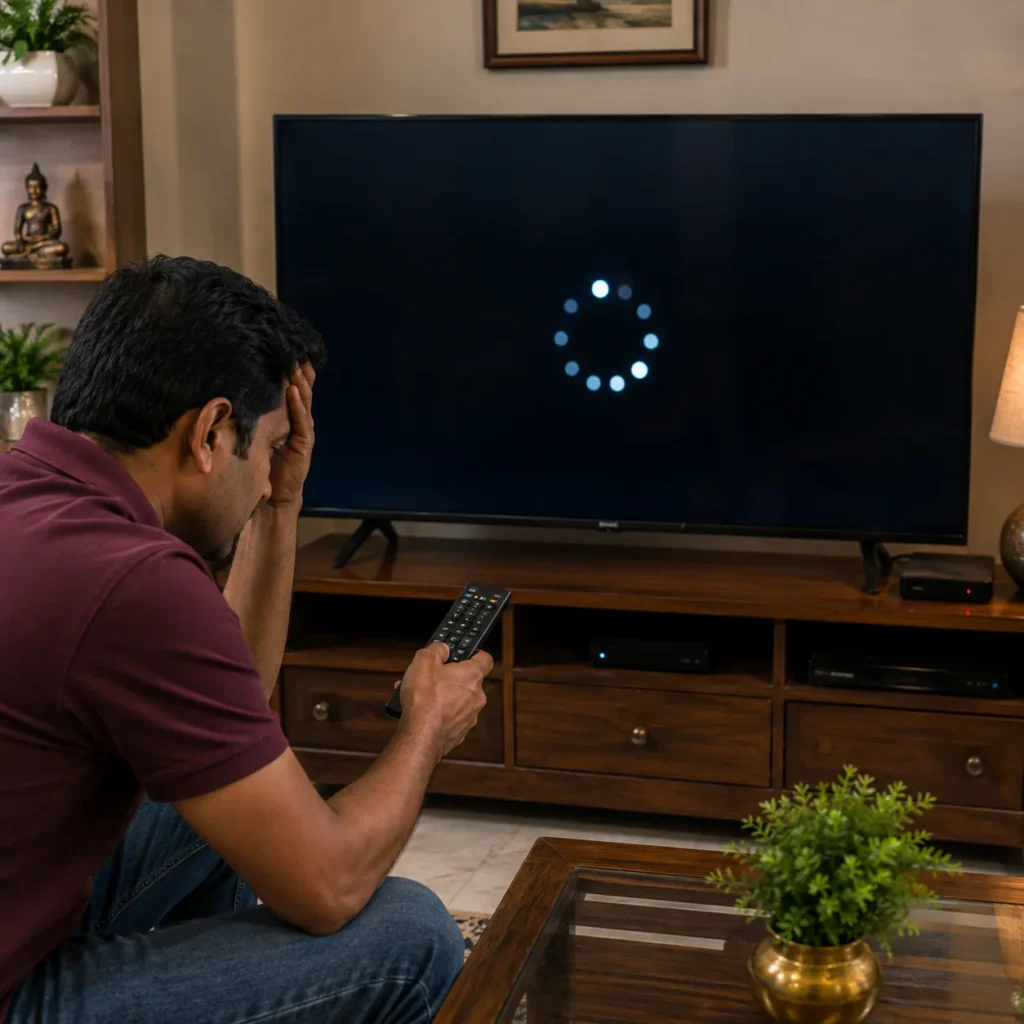
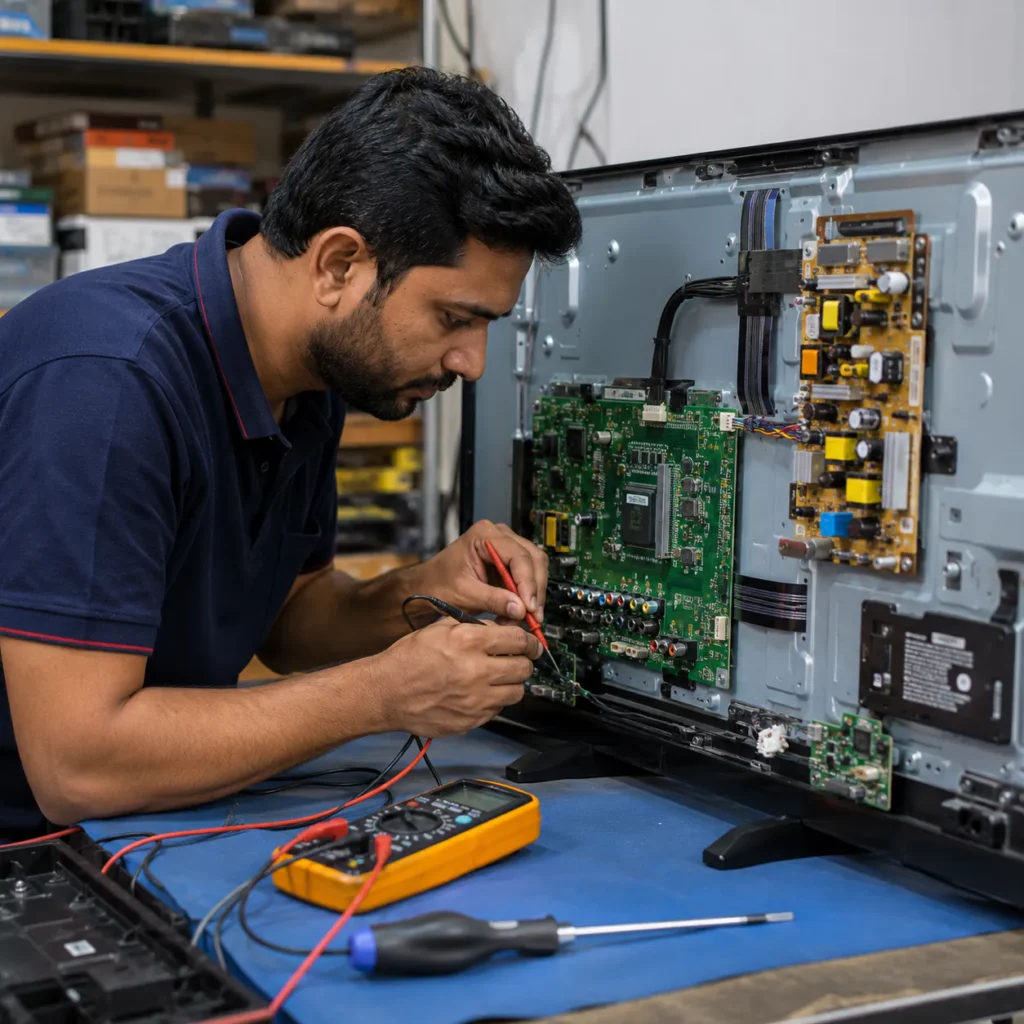
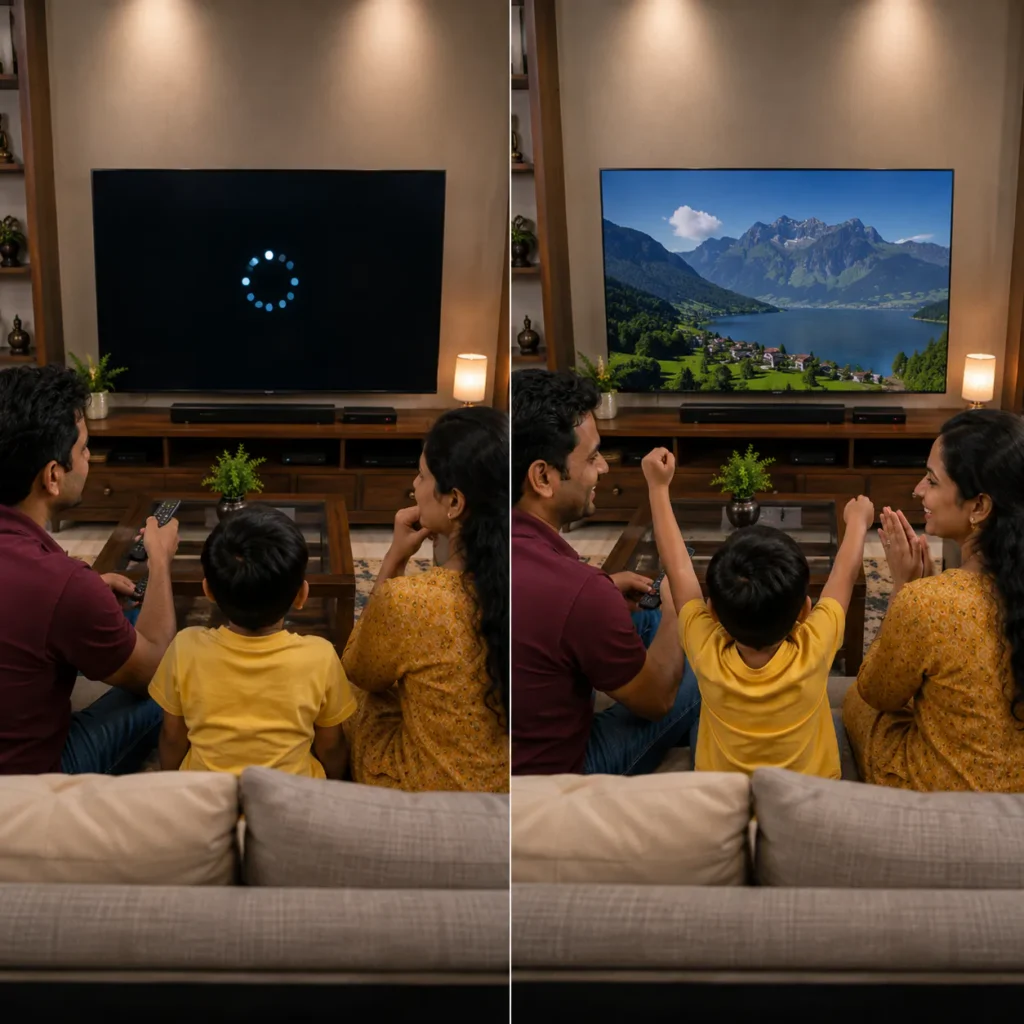
One of the most common reasons behind TV Auto Restart Problem Vizag is software corruption.
If firmware becomes corrupted:
- apps crash
- TV freezes
- reboot loop starts
- startup process fails
ఇది mostly Android TVs మరియు Smart TVs లో ఎక్కువగా కనిపించే problem.
Software issues usually happen because of:
- failed updates
- low storage
- corrupted apps
- interrupted firmware installation
👉 Related internal link: Smart TV Repair in Vizag
## 2. Motherboard Failure
The motherboard controls the complete TV system including:
- startup process
- display signals
- sound
- software communication
If motherboard circuits become damaged:
- TV restarts automatically
- screen freezes
- TV logo appears repeatedly
Voltage fluctuations and overheating are common reasons for motherboard failure.
👉 You may also need: TV Motherboard Repair in Vizag
## 3. Overheating Problem
TVs generate heat during long usage. If ventilation becomes blocked:
- processor temperature increases
- motherboard overheats
- TV restarts automatically for protection
Signs of overheating:
- TV hot near backside
- restart after long usage
- lagging before reboot
Quick Fix:
- keep proper ventilation
- clean dust regularly
- avoid closed cabinets
## 4. Power Supply Board Issue
The power supply board distributes voltage to different TV components. If voltage becomes unstable:
- TV shuts down randomly
- reboot loop occurs
- startup fails
Power board problems are common after:
- voltage fluctuation
- lightning
- unstable power supply
To understand power fluctuation effects, read: Voltage variation
## 5. Storage & Memory Issues
Smart TVs with low internal storage may become unstable.
Common symptoms:
- apps freezing
- slow response
- reboot while opening apps
Quick Fix:
- clear app cache
- remove unused apps
- restart TV weekly
చాలా Smart TVs storage full అయినప్పుడు restart problems రావచ్చు.
## 6. HDMI or External Device Conflict
Sometimes external devices cause TV restart problems.
Possible devices:
- set-top box
- gaming console
- soundbar
- USB drive
Quick Fix:
Disconnect all external devices and restart the TV.
## 7. WiFi & Network System Errors
In some Smart TVs, network system errors can trigger reboot loops.
Common situations:
- software update downloading
- internet disconnection
- corrupted online apps
👉 Related internal link: TV Not Connecting to WiFi in Vizag
## Quick Fixes for TV Restart Problem
Before calling a technician, try these troubleshooting steps.
Step 1: Power Reset
- Switch off TV
- Remove power cable
- Wait 5 minutes
- Hold power button for 30 seconds
- Reconnect TV
This clears temporary system errors.
Step 2: Remove External Devices
Disconnect:
- HDMI cables
- USB devices
- gaming consoles
Then restart the TV.
Step 3: Update Software
Check for firmware updates if the TV stays on long enough.
Step 4: Check Ventilation
Ensure:
- airflow is proper
- dust is cleaned
- TV isn’t overheating
Step 5: Factory Reset
If software corruption is suspected, factory reset may help.
⚠ Important: backup important settings before reset.
## Why TV Restart Problems Increase Over Time
Many users ignore small restart issues initially. Over time:
- motherboard stress increases
- software corruption worsens
- overheating damages circuits
- reboot loops become continuous
Early diagnosis helps reduce repair cost and prevents major component failure.
## Can TV Auto Restart Problem Be Repaired?
Yes, most TV Auto Restart Problem Vizag cases are repairable.
Repair depends on:
- motherboard condition
- software health
- power board status
- overheating damage
Minor software issues usually cost less compared to motherboard replacement.
## Professional TV Repair Service in Vizag
Professional technicians can diagnose:
- motherboard issues
- power board problems
- software corruption
- overheating damage
Most technicians provide doorstep TV repair service across Vizag.
👉 For complete support visit:
<a href=”/”>TV Repair Vizag</a>
## TV Auto Restart Repair Cost in Vizag
Repair cost depends on:
- TV size
- brand and model
- motherboard condition
- software issue severity
- spare parts required
Simple software fixes may cost less, while motherboard repairs may cost more.
Proper inspection is necessary before confirming final pricing.
## How to Prevent TV Restart Problems
You can reduce future restart issues by following these tips:
- use voltage stabilizer
- avoid overheating
- keep TV ventilated
- clean dust regularly
- update software safely
- avoid cheap power extensions
చిన్న maintenance habits వల్ల TV performance improve అవుతుంది.
## Related TV Repair Services in Vizag
You may also need:
- Smart TV Repair in Vizag
- TV Backlight Repair in Vizag
- TV Display Repair in Vizag
- TV Not Connecting to WiFi in Vizag
These internal links improve SEO structure and user navigation.
## FAQs
1. Why does my TV restart automatically?
This may happen because of software corruption, motherboard issue, overheating, or power supply problems.
2. Can Smart TV auto restart problems be repaired?
Yes, many auto restart issues are repairable after proper diagnosis.
3. Does overheating cause TV reboot problems?
Yes, overheating can force the TV to restart automatically for protection.
4. Can software updates cause reboot loop issues?
Yes, corrupted firmware updates can create continuous restart problems.
5. Do you provide doorstep TV repair in Vizag?
Yes, doorstep TV repair support is available across major Vizag areas.
## Conclusion
If your TV keeps restarting automatically, don’t ignore the issue. In many cases, early diagnosis can prevent bigger motherboard or power board damage. Whether the problem is related to software, overheating, motherboard, or power supply circuits, professional TV repair technicians in Vizag can help restore your TV safely.
For fast support with TV Auto Restart Problem Vizag, choose experienced technicians who provide reliable doorstep TV repair service across Vizag.
📞 Need TV Repair Service in Vizag?
Get fast doorstep support for:
- TV restart issues
- Smart TV software problems
- motherboard repair
- overheating issues
- power supply repair
👉 Call now for professional TV repair service across Vizag.