
TV Remote Sensor Repair Vizag – Remote Not Working Fix
If your TV remote is not working even after changing batteries, the issue may not always be with the remote. Sometimes the problem can be inside the TV remote sensor, IR receiver, motherboard, or software system. This issue is commonly searched as TV Remote Sensor Repair Vizag, especially when the TV does not respond to remote commands.
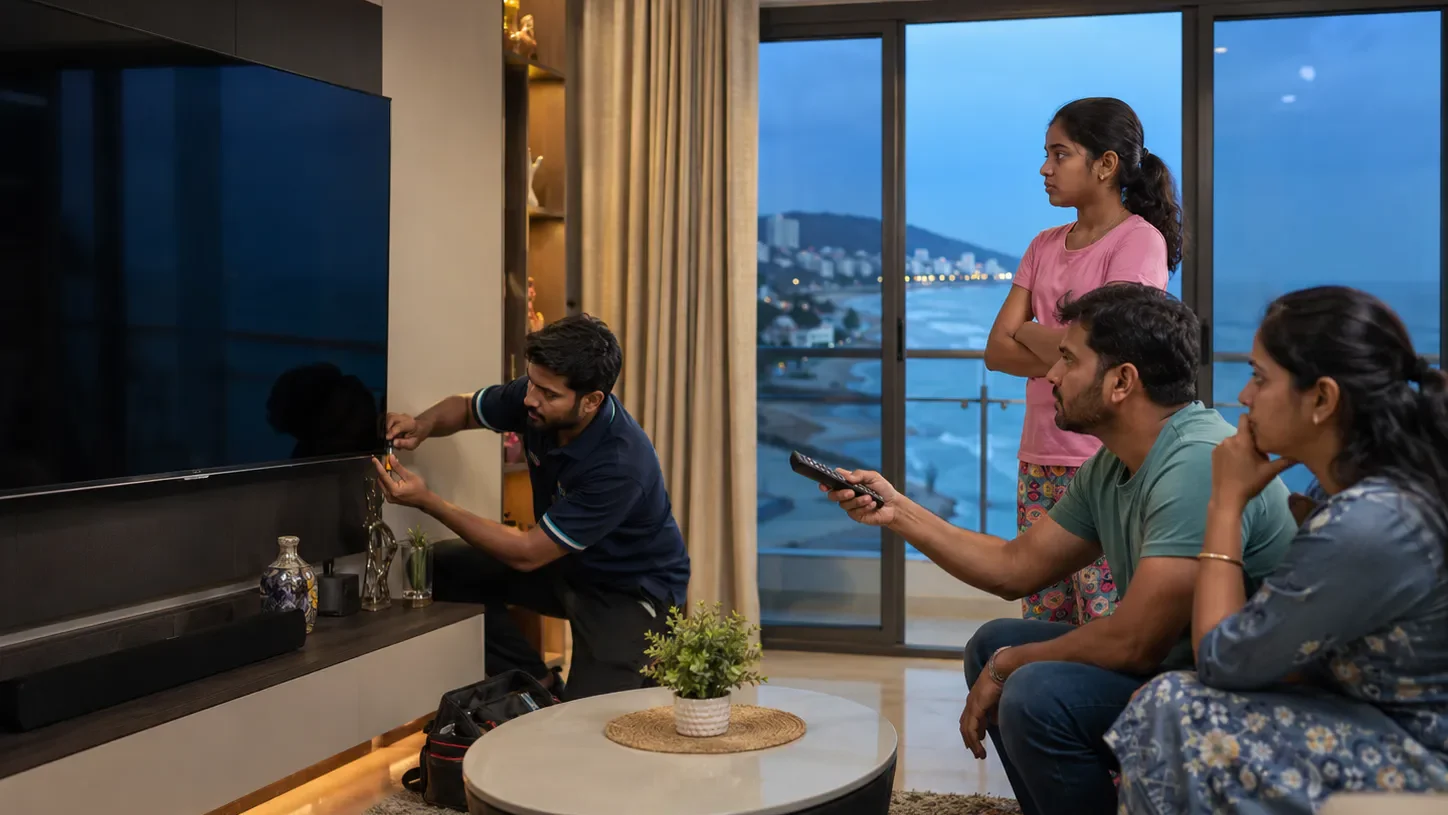
Many Vizag customers face this problem with LED TVs, Smart TVs, Android TVs, OLED TVs, QLED TVs, and large screen TVs. The TV may turn on manually, but the remote does not work. Sometimes volume, channel, home button, power button, or app navigation stops responding.
In this guide, you will understand the main causes, quick checks, repair options, and when to call a professional TV technician in Vizag.
What Is a TV Remote Sensor?
A TV remote sensor is the small receiver part inside the TV that receives signals from the remote. Most traditional remotes use infrared signal, also called IR signal. When you press a button on the remote, it sends a signal to the TV sensor. Then the TV performs that command.
If the TV sensor or IR receiver is faulty, the TV may not respond even if the remote is working properly.
You can read more about how infrared remote signals work from this external reference on infrared remote control.
Common Symptoms of TV Remote Sensor Problem
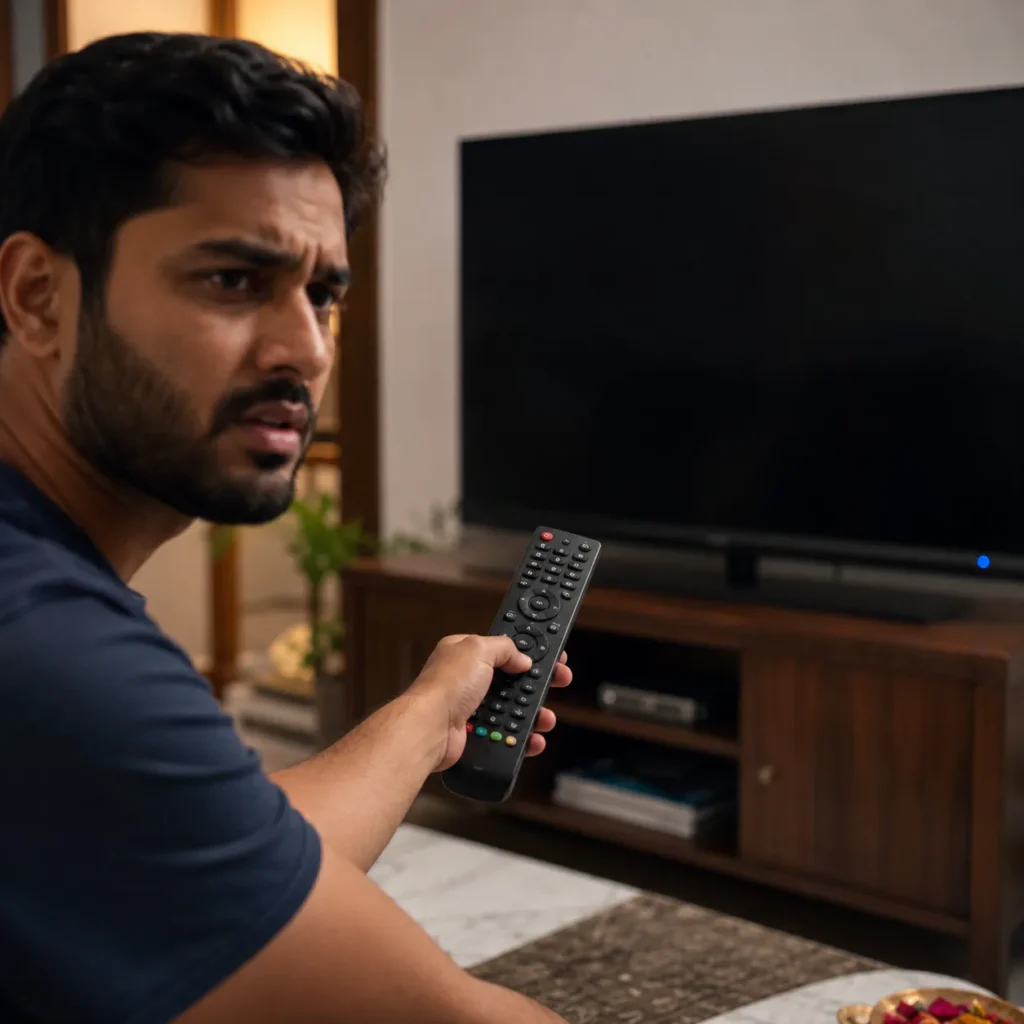
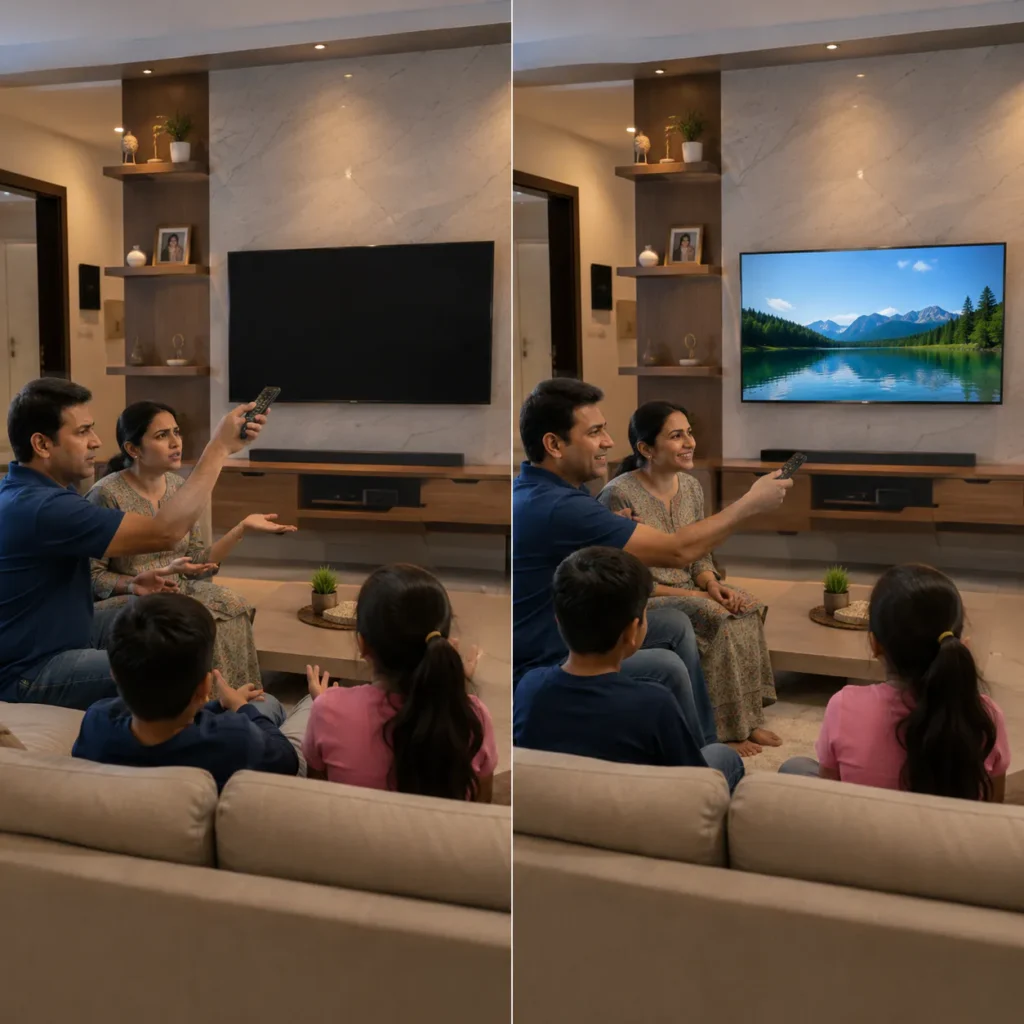
You may need TV Remote Sensor Repair Vizag service if you notice these symptoms:
- TV remote not working even with new batteries
- TV responds only from very close distance
- Remote power button not working
- Volume and channel buttons not responding
- Smart TV home button not opening
- Remote works sometimes and stops suddenly
- TV sensor light not blinking
- TV works manually but not with remote
- Remote works on another TV but not on your TV
- TV stuck on one input or one screen
If your TV has these symptoms, the issue can be remote-related or TV sensor-related. Proper checking is important before replacing parts.
Is the Problem in Remote or TV Sensor?
Before confirming TV sensor damage, first check whether the remote itself is working. Many customers assume the TV sensor is damaged, but sometimes the remote has battery contact issues, button issues, or internal board problems.
Here is a simple difference:
If the remote is faulty:
- no signal comes from remote
- buttons are stuck
- battery contact is loose
- remote light does not blink
- remote does not work with any TV
If the TV sensor is faulty:
- remote works but TV does not respond
- TV buttons work manually
- sensor area does not receive signal
- remote works from mobile camera test but TV ignores it
- TV responds only sometimes
For Smart TV problems related to apps, WiFi, or software, you may also need Smart TV Repair Vizag support.
Quick Checks Before Calling a Technician
Before booking a technician, try these simple checks safely.
1. Change Remote Batteries
Use new batteries and check the plus and minus direction properly. Weak batteries are one of the most common reasons for remote problems.
After changing batteries, press the power button, volume button, and home button. If the TV still does not respond, continue checking.
2. Clean the Remote Battery Area
Sometimes battery leakage, dust, or rust inside the battery compartment can stop the remote from working. Remove batteries and clean the metal contact points gently with a dry cloth.
Do not use water or strong liquid cleaners.
3. Check Remote Signal Using Mobile Camera
Open your mobile camera. Point the remote front side toward the camera. Press any button on the remote.
If you see a small blinking light through the mobile camera, the remote is sending IR signal. If there is no blinking light, the remote may be faulty.
This test works for many infrared remotes. Some Bluetooth or voice remotes may work differently.
4. Remove Obstacles Near TV Sensor
Make sure nothing is blocking the TV sensor area. Sometimes soundbars, decorative items, set-top boxes, or dust can block the remote signal.
Clean the front lower area of the TV gently because the sensor is usually located near the bottom frame.
5. Restart the TV
Turn off the TV and remove the power plug. Wait for 5 minutes. Plug it back and turn on the TV.
If the remote works after restart and stops again later, the issue may be software, motherboard, or sensor-related.
6. Try Manual TV Buttons
Check whether the TV works using physical buttons on the TV body. If TV buttons work but remote does not, the issue may be remote, sensor, or signal receiver.
7. Check Smart TV Pairing
Some Smart TV remotes use Bluetooth or pairing. If your remote has voice control or cursor pointer, it may need pairing again.
Try holding the pairing buttons as per your TV brand instructions. If pairing fails, the issue may be remote board, software, Bluetooth module, or TV motherboard.
Main Causes of TV Remote Not Working in Vizag
1. Faulty TV Remote Sensor
The TV remote sensor may fail because of dust, moisture, internal damage, or board-level fault. In Vizag, coastal moisture can slowly affect electronic parts, especially if the TV is near windows or humid areas.
A faulty sensor may cause:
- no response from remote
- delayed response
- short distance response
- random working issue
- power button not responding
This is one of the main reasons people search for TV Remote Sensor Repair Vizag.
2. IR Receiver Board Issue
Some TVs have a separate IR receiver board. If this small board fails, the remote signal will not reach the main motherboard.
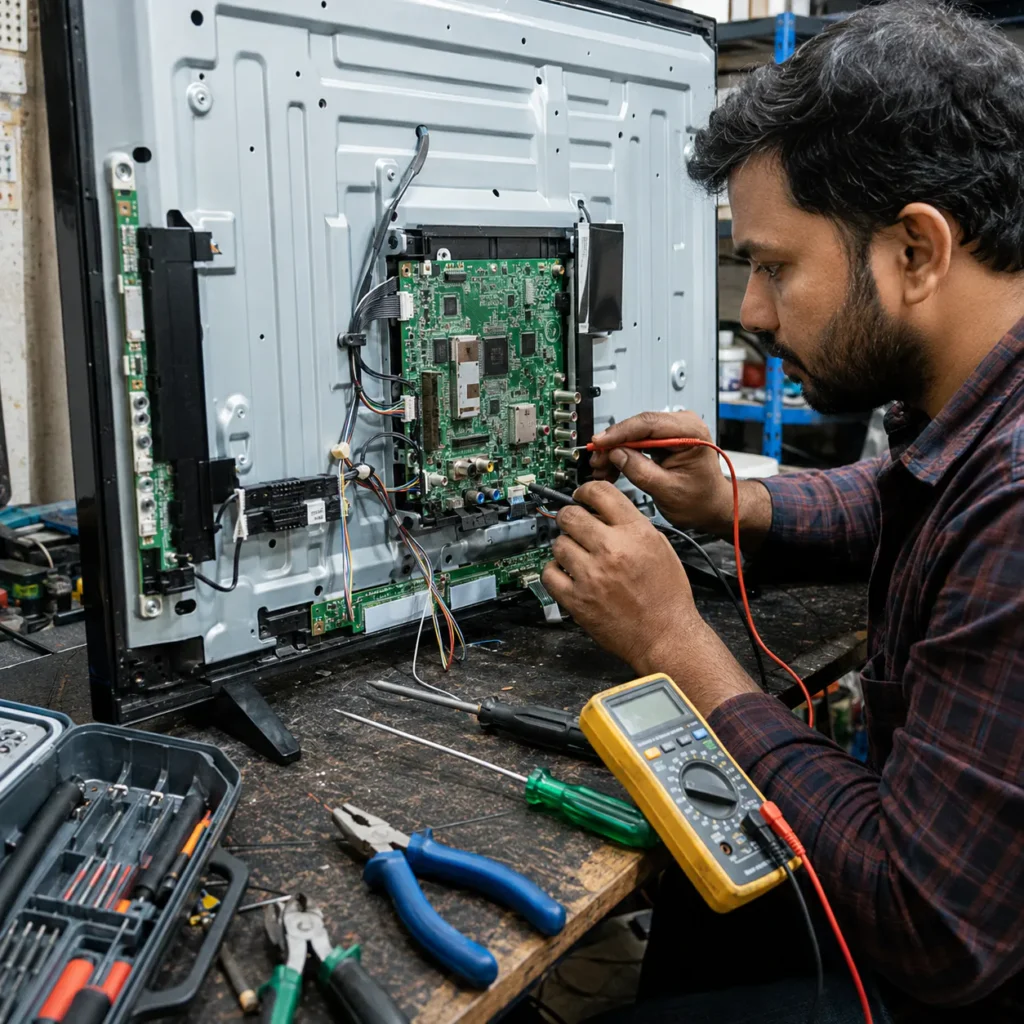
A technician may need to open the TV and check:
- IR receiver board
- cable connection
- voltage supply
- sensor output
- connector damage
This should be done carefully because TV panels and internal boards are delicate.
3. Motherboard Fault
In some cases, the remote sensor is working, but the motherboard is not processing the signal. If the motherboard input section has a fault, the TV may not respond to remote commands.
Motherboard-related symptoms may include:
- remote not working
- TV hanging
- apps not opening
- HDMI input issue
- TV restarting
- slow response
- TV stuck on logo
For board-level issues, visit our TV Motherboard Repair Vizag page.
4. Software or Smart TV System Issue
Smart TVs can stop responding to remote commands due to software bugs, update errors, low memory, app crashes, or system hanging.
Software-related signs include:
- remote works slowly
- home button delayed
- apps freeze
- TV hangs on menu
- cursor not moving
- voice remote not pairing
- TV works after restart but problem returns
For these cases, Smart TV software repair or reset may be required.
5. Remote Control Damage
Sometimes the issue is only with the remote. Remote damage can happen because of:
- falling from height
- water damage
- button wear
- battery leakage
- internal circuit damage
- dust under buttons
- low-quality duplicate remote
If the remote is damaged, replacing or repairing the remote may solve the issue.
6. Bluetooth Remote Pairing Issue
Some Android TVs and Smart TVs use Bluetooth remotes. If pairing is lost, the remote may not work properly.
Common Bluetooth remote problems:
- voice search not working
- remote pointer not moving
- home button not responding
- remote not pairing
- only power button works
- TV not detecting remote
In this situation, a technician may check TV software, Bluetooth module, remote pairing, and motherboard condition.
When Should You Call a TV Technician?
Call a technician if:
- remote works in mobile camera test but TV does not respond
- TV sensor area is not receiving signal
- TV buttons work but remote does not
- TV remote works only from very close distance
- Smart TV remote is not pairing
- remote issue started after power fluctuation
- TV also has hanging or restart issue
- TV sensor board needs replacement
- remote issue continues after battery change
At this stage, proper diagnosis is better than buying multiple remotes without knowing the exact problem.
Can TV Remote Sensor Be Repaired?
Yes, many TV remote sensor issues can be repaired. Depending on the problem, the technician may repair or replace:
- IR sensor
- IR receiver board
- sensor cable
- connector
- remote board
- Bluetooth pairing issue
- motherboard signal section
- Smart TV software issue
If the issue is with the remote itself, remote replacement may be enough. If the issue is inside the TV, sensor or board-level repair may be needed.
TV Remote Sensor Repair Cost in Vizag
The repair cost depends on:
- TV brand
- TV model
- sensor board type
- remote type
- motherboard condition
- software issue
- spare part availability
- doorstep visit requirement
A simple remote issue may cost less. But if the motherboard or sensor board is damaged, the repair cost may be higher. So proper inspection is important before final cost confirmation.
Why This Issue Happens in Vizag Homes
Vizag’s coastal weather, dust, and humidity can affect TV sensors and electronic boards over time. If your TV is placed near a window, balcony, or humid wall, moisture may slowly affect internal parts.
Common local reasons include:
- coastal humidity
- dust buildup
- voltage fluctuations
- old remote batteries
- battery leakage
- moisture near TV sensor area
- insects or dust inside TV
- long usage without maintenance
Because of this, TV Remote Sensor Repair Vizag becomes a common service need for many households.
Prevention Tips
To avoid remote and sensor problems:
- change batteries before leakage happens
- keep remote away from water
- avoid dropping the remote
- clean TV sensor area gently
- keep TV away from moisture
- use a surge protector
- restart Smart TV once in a while
- avoid cheap duplicate remotes
- do not press remote buttons too hard
- call technician early if response becomes slow
Small care can reduce repeated remote issues.
Related TV Repair Services in Vizag
You may also need these services:
- Smart TV Repair Vizag
- TV Motherboard Repair Vizag
- TV Not Turning ON Repair Vizag
- TV Auto Restart Problem Vizag
- TV Not Connecting to WiFi in Vizag
These related services help you understand whether the problem is remote, sensor, software, or motherboard related.
FAQs
1. Why is my TV remote not working even after changing batteries?
The issue may be with the remote buttons, battery contact, TV sensor, IR receiver board, software, or motherboard signal section.
2. How do I know if my TV remote sensor is damaged?
If the remote sends signal in mobile camera test but the TV does not respond, the TV sensor or internal receiver board may be faulty.
3. Can TV remote sensor be repaired?
Yes, many TV remote sensor and IR receiver issues can be repaired or replaced after proper diagnosis.
4. Why does my TV remote work only from close distance?
This may happen due to weak batteries, dirty sensor area, weak IR signal, damaged sensor board, or internal receiver issue.
5. Do you provide TV remote sensor repair in Vizag?
Yes, doorstep TV inspection and remote sensor repair support is available across major Vizag areas.
Conclusion
TV Remote Sensor Repair Vizag is needed when the TV remote stops working even after battery change, the TV does not respond, or the sensor fails to receive remote signals. The issue may be in the remote, IR sensor, receiver board, Smart TV software, or motherboard.
Do not keep buying new remotes without checking the actual problem. A proper technician inspection can identify whether your TV needs remote repair, sensor repair, software fix, or motherboard support.
For fast TV remote sensor repair support in Vizag, contact our technician team today.
Call Now: 7207902424
WhatsApp: Chat on WhatsApp