TV HDMI Port Repair Vizag – No Signal & Input Problem Fix
If your TV shows “No Signal” even after connecting the set-top box, laptop, gaming console, Fire TV Stick, or HDMI cable, the issue may be with the HDMI port, cable, input board, motherboard, or TV settings. Many customers search for TV HDMI Port Repair Vizag when their LED TV, Smart TV, Android TV, OLED TV, QLED TV, or 4K TV does not detect HDMI input.
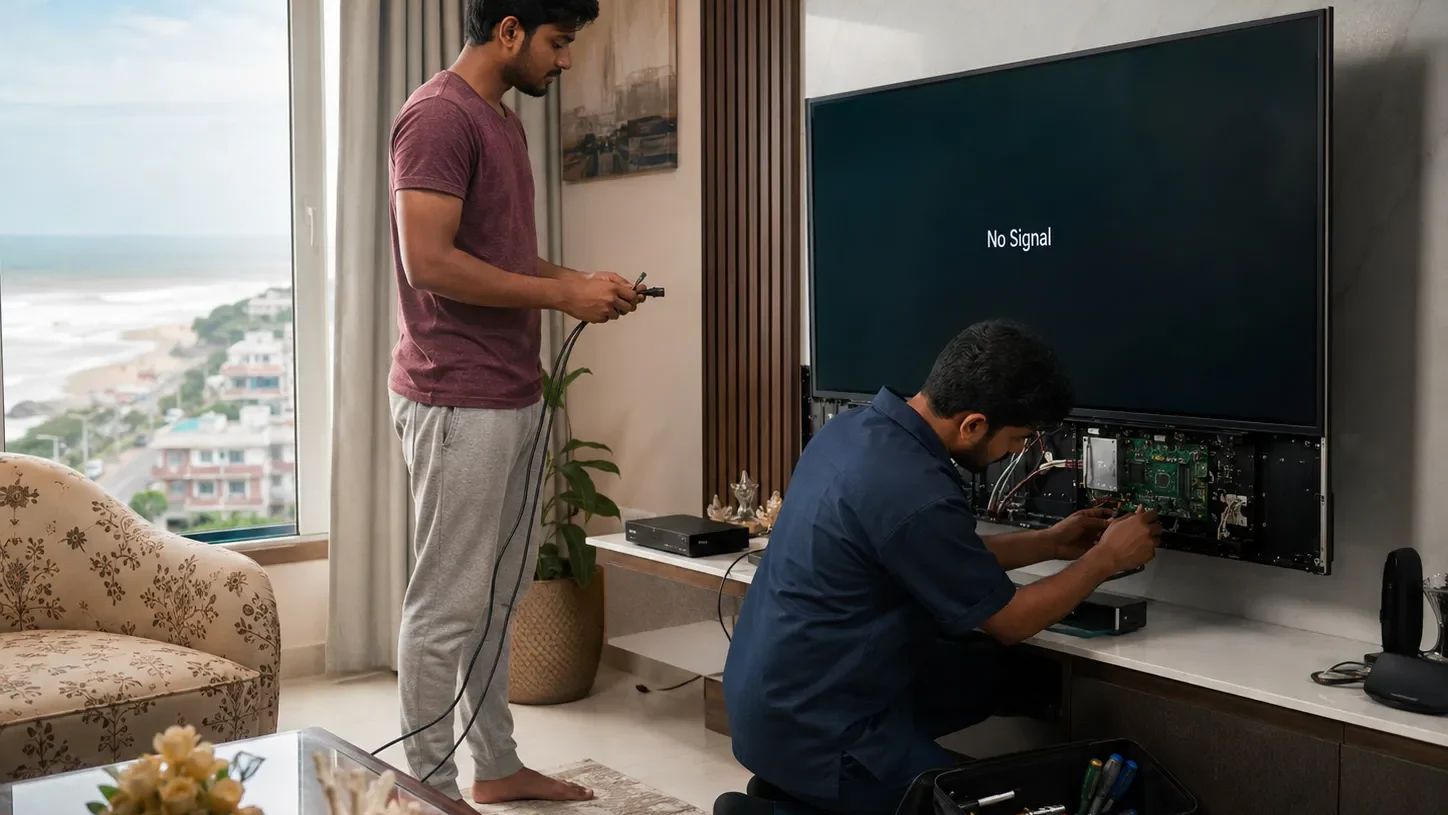
HDMI problems are very common in modern TVs because most users depend on HDMI for set-top boxes, streaming devices, gaming consoles, CCTV DVRs, laptops, and home theatre systems. When the HDMI port stops working, the TV may turn on normally, but it may not show picture from the connected device.
In this guide, you will understand the common causes, quick checks, repair options, cost factors, and when to call a professional TV technician in Vizag.
What Is a TV HDMI Port Problem?
HDMI stands for High-Definition Multimedia Interface. It carries both video and audio signals from one device to your TV. If the HDMI port or input circuit has a problem, your TV may not receive proper signal.
You may notice messages like:
- No Signal
- No Input
- HDMI not detected
- Check cable connection
- Unsupported signal
- Blank screen
- Sound but no picture
- Picture but no sound
If you are facing these issues, you may need TV HDMI Port Repair Vizag service after proper diagnosis.
Common Symptoms of HDMI Port Not Working
Your TV may show one or more of these symptoms:
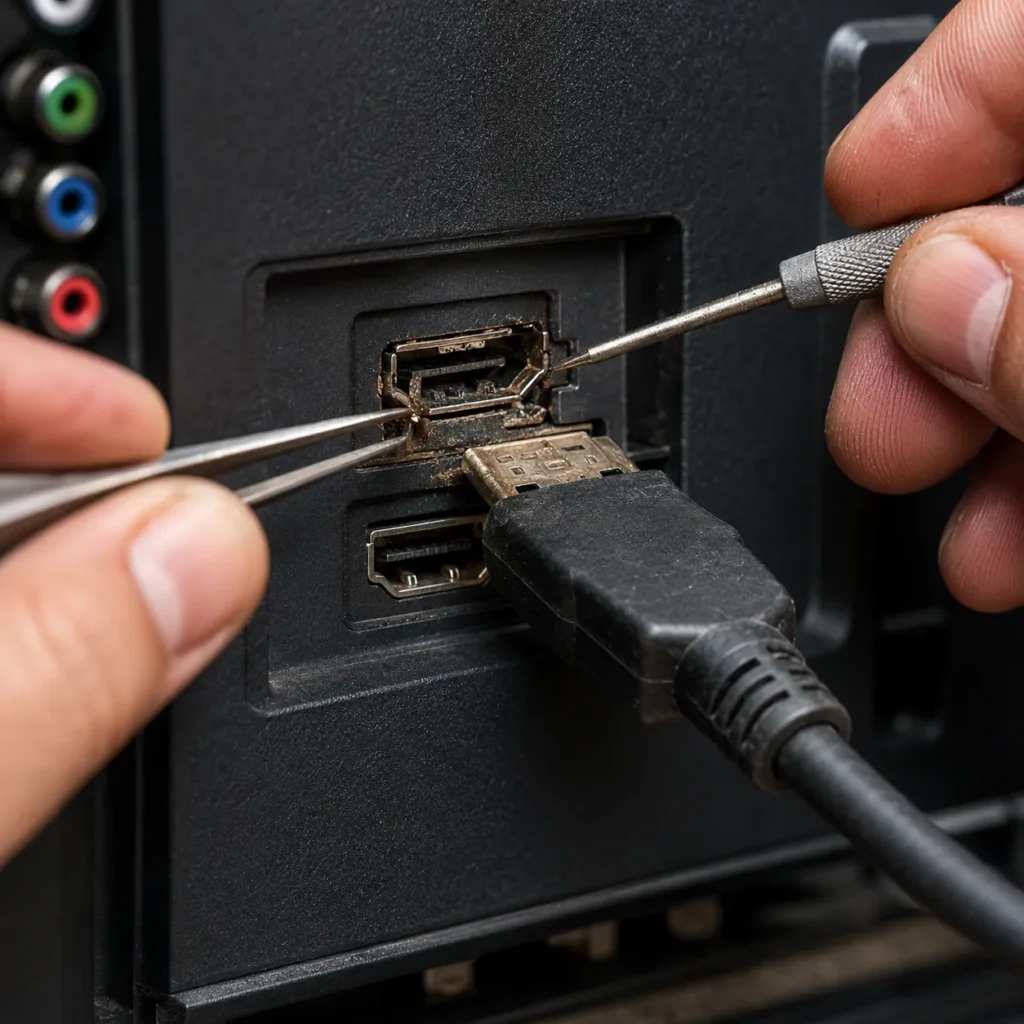
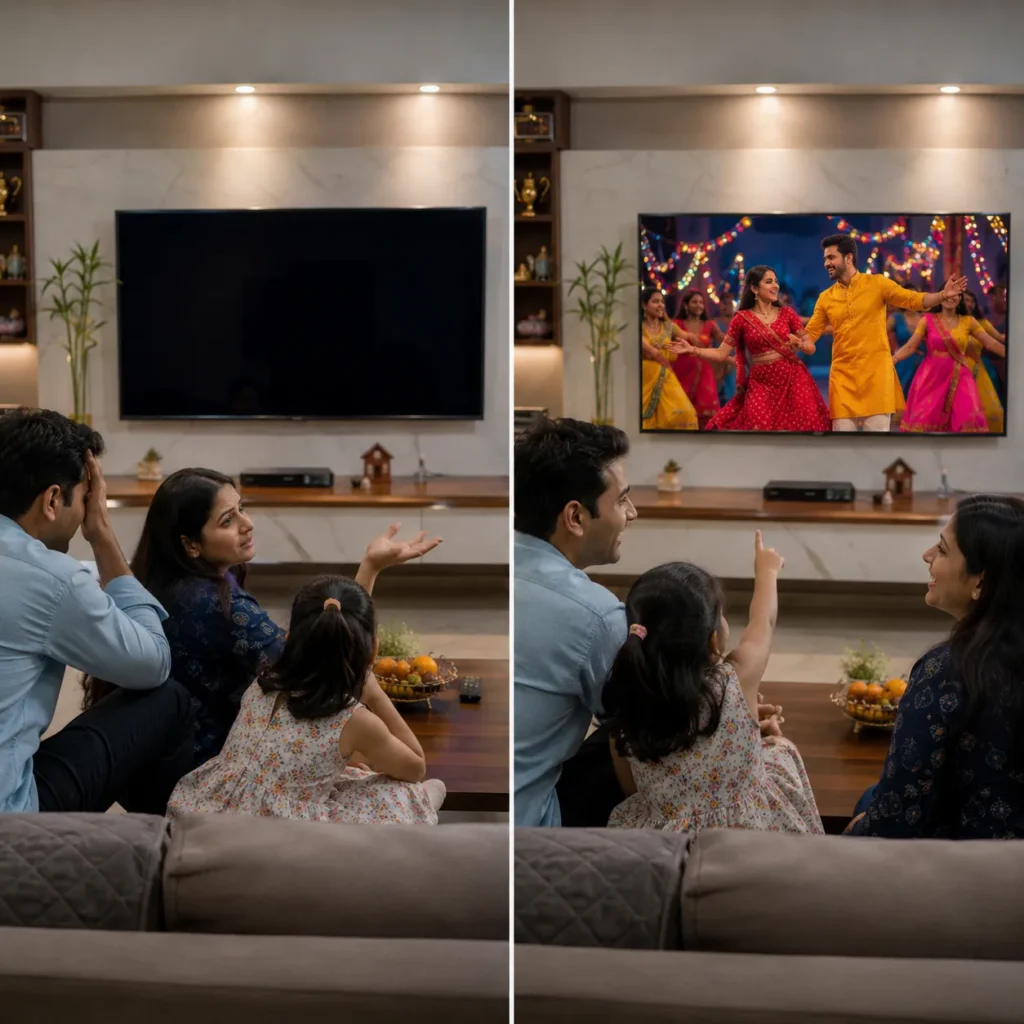
- TV shows No Signal on HDMI input
- set-top box connected but picture not coming
- Fire TV Stick not detecting
- laptop connected but TV screen blank
- gaming console not showing display
- HDMI port feels loose
- HDMI cable needs to be moved to get picture
- TV detects HDMI sometimes and fails again
- picture flickers through HDMI
- sound comes but no video
- one HDMI port works but another port fails
- all HDMI ports stopped working
- HDMI input option missing or not responding
If your TV has these symptoms, the issue may be simple or board-level. That is why checking step by step is important.
Main Causes of TV HDMI Port Repair Vizag
There are different reasons why HDMI input stops working. Below are the most common causes.
1. Loose or Damaged HDMI Port
A loose HDMI port is one of the most common reasons for TV HDMI Port Repair Vizag requests.
This can happen because of:
- frequent cable plugging and removing
- heavy HDMI cable pulling the port down
- wall-mounted TV cable pressure
- accidental cable pulling
- rough handling
- old or loose port pins
- dust or rust inside port
If the HDMI cable feels loose or picture comes only when you move the cable, the physical port may be damaged.
2. Faulty HDMI Cable
Sometimes the TV is fine, but the HDMI cable is damaged. A low-quality or broken cable may not send proper signal to the TV.
HDMI cable issue signs:
- No Signal message
- display flickering
- picture cutting in and out
- sound missing
- TV detects device sometimes
- works with another cable
Before assuming TV damage, always test with another good HDMI cable.
3. Wrong Input Source Selected
This is a simple but common issue. The device may be connected to HDMI 1, but the TV may be selected on HDMI 2 or AV input.
Check the input/source button on your remote and select the correct HDMI port.
If the correct input is selected and still no signal appears, then further checking is required.
4. Set-Top Box or External Device Problem
Sometimes the problem is not the TV. The connected device may not send output.
This can happen with:
- set-top box
- Fire TV Stick
- laptop
- gaming console
- CCTV DVR
- DVD player
- home theatre
- Android box
Try connecting the same device to another TV. Also try connecting another device to your TV. This helps identify whether the issue is with TV or external device.
5. HDMI Input IC or Motherboard Fault
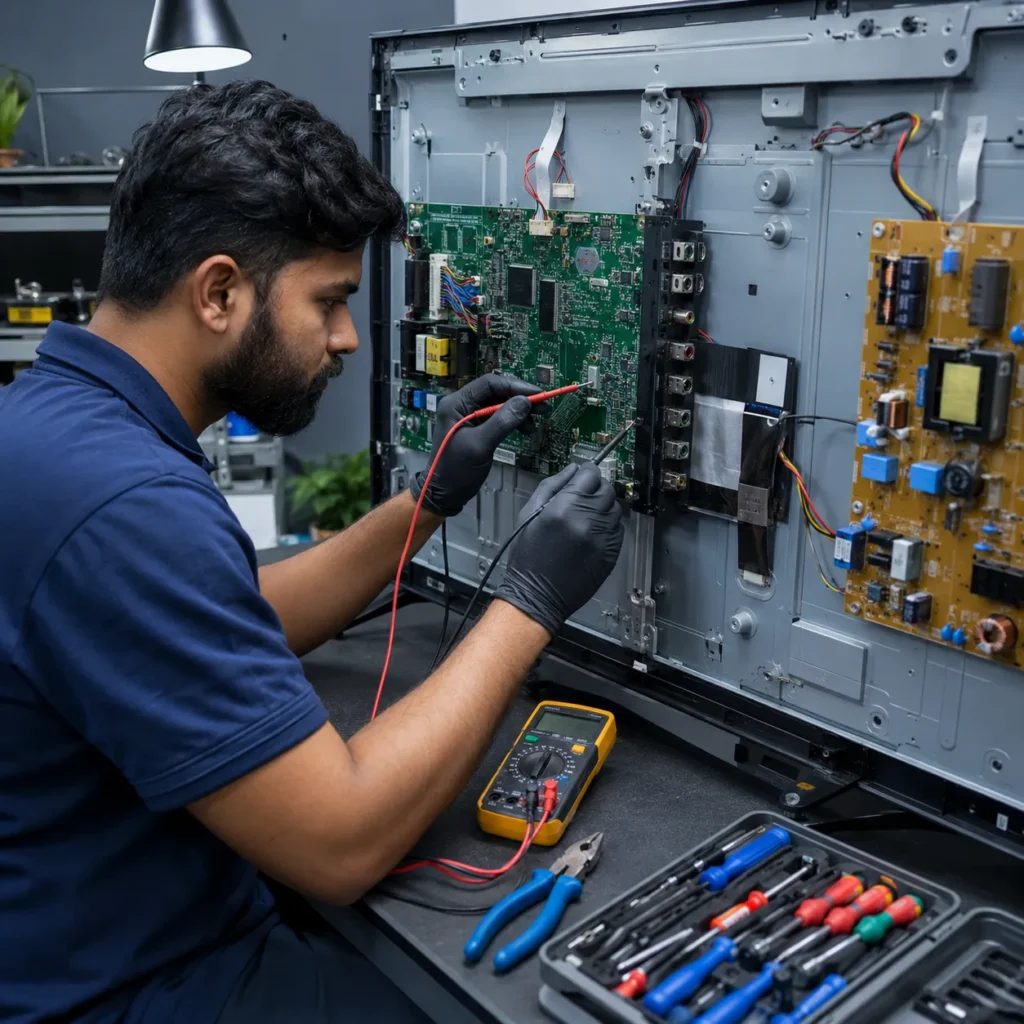
In many Smart TVs, HDMI ports are connected to the motherboard. If the HDMI input IC or motherboard section is damaged, the TV may not detect HDMI devices.
Motherboard-related HDMI symptoms:
- all HDMI ports not working
- TV stuck on No Signal
- HDMI option not responding
- ports look physically fine but no signal
- TV has other issues like hanging or restart
- HDMI stopped after power fluctuation
- input switching is slow or frozen
For board-level checking, visit our TV Motherboard Repair Vizag service page.
6. Power Surge or Lightning Damage
Power fluctuations, lightning, and sudden power cuts can damage HDMI circuits. This is common when the TV is connected to a set-top box, cable connection, or external device during voltage fluctuation.
Signs of surge damage:
- HDMI stopped suddenly
- TV works but input does not
- one port burned or dead
- set-top box also damaged
- TV stopped detecting all devices
- motherboard section failure
Using a good surge protector can reduce this risk.
7. Dust, Moisture, or Rust Inside HDMI Port
Vizag’s coastal weather and humidity can affect electronic ports. If dust, moisture, or rust enters the HDMI port, signal transfer may fail.
This can cause:
- loose connection
- intermittent signal
- flickering picture
- no audio or video
- port not detecting cable
- cable not fitting properly
Do not spray liquid cleaner inside the HDMI port. It can damage the board.
8. Software or Smart TV Input Error
Smart TVs can also face input detection issues due to software bugs, failed updates, app conflicts, or system hanging.
Software-related signs:
- HDMI worked before update
- input menu freezes
- HDMI source not switching
- TV hangs while selecting input
- restart fixes issue temporarily
- other Smart TV functions also slow
For Smart TV issues, you may also need Smart TV Repair Vizag support.
Quick Checks Before Calling a Technician
Before booking a repair visit, try these safe checks.
Step 1: Check the Input Source
Press the Source/Input button on the TV remote. Select the correct HDMI input like HDMI 1, HDMI 2, or HDMI 3.
Make sure the cable is connected to the same port you selected.
Step 2: Restart the TV and Device
Switch off the TV and external device. Remove the power plugs. Wait for 5 minutes. Then connect everything again and turn them on.
This may solve temporary input or handshake errors.
Step 3: Try Another HDMI Cable
Use a good working HDMI cable. If the TV works with another cable, the old cable is faulty.
Avoid very cheap or damaged HDMI cables because they can create repeated No Signal problems.
Step 4: Try Another HDMI Port
If your TV has multiple HDMI ports, connect the cable to another port and select the matching input.
If one HDMI port works and another does not, that specific port may be damaged.
Step 5: Test Another Device
Connect another device like a laptop, Fire TV Stick, set-top box, or gaming console.
If all devices fail on the same TV, the issue may be with the TV HDMI section.
Step 6: Check the Cable Position
If the picture appears only when you move the HDMI cable, the port may be loose or physically damaged.
Do not keep moving the cable again and again because it can break the port completely.
Step 7: Check TV Software
For Smart TVs, check whether the TV is hanging, slow, or not switching input properly. Restart or reset may help in some software cases, but do not reset without knowing your app/login details.
When Should You Call a TV Technician?
Call a technician if:
- TV shows No Signal on every HDMI port
- HDMI cable feels loose
- port is physically damaged
- picture appears only when cable is moved
- all external devices fail to connect
- HDMI stopped after power fluctuation
- TV also has hanging or restart issue
- HDMI port is rusted or broken
- set-top box works on another TV but not on your TV
- input source menu is not responding
At this stage, proper diagnosis is better than guessing. A technician can check the HDMI port, motherboard, input IC, software, and internal connections.
Can TV HDMI Port Be Repaired?
Yes, many HDMI port issues can be repaired depending on the damage.
Repair may be possible if the issue is:
- loose HDMI port
- broken solder joint
- damaged HDMI connector
- input IC issue
- motherboard HDMI section fault
- software input issue
- dust or connector problem
- internal board connection issue
In some cases, the HDMI port can be repaired or replaced. If the motherboard section is heavily damaged, motherboard repair or replacement may be required.
TV HDMI Port Repair Cost in Vizag
The repair cost depends on:
- TV brand
- TV model
- number of damaged HDMI ports
- physical port condition
- motherboard condition
- input IC damage
- spare part availability
- service type
- doorstep visit or workshop repair need
A simple loose port issue may cost less. But if the HDMI IC or motherboard section is damaged, repair cost may be higher. Final cost should be confirmed only after inspection.
HDMI Port Repair vs Motherboard Repair
Sometimes the HDMI port itself is not the only problem. The port may look normal, but the internal motherboard section may fail.
HDMI port repair may be enough when:
- port is loose
- pins are damaged
- cable does not fit properly
- solder joint is broken
- one port only is affected
Motherboard repair may be needed when:
- all HDMI ports fail
- TV had power surge
- input IC is damaged
- HDMI option is not responding
- TV also has restart or hanging issues
- HDMI stopped after lightning or voltage issue
For motherboard-related problems, check our TV Motherboard Repair Vizag page.
Why HDMI Problems Happen More in Vizag Homes
Vizag has coastal humidity, dust, and power fluctuation in many areas. These conditions can affect TV ports and boards over time.
Common local reasons include:
- coastal moisture
- dust inside HDMI port
- rust near connectors
- power fluctuation
- lightning impact
- low-quality extension boards
- cable tension on wall-mounted TVs
- frequent set-top box changes
- heavy HDMI adapters
Because of this, HDMI input issues are common in Vizag homes.
How to Prevent TV HDMI Port Damage
Follow these simple tips:
- do not pull HDMI cable roughly
- avoid heavy HDMI cables hanging from TV
- use right-angle HDMI adapters for wall-mounted TVs
- use a good surge protector
- switch off devices before changing cables
- avoid cheap HDMI cables
- keep TV away from moisture
- clean dust around ports carefully
- do not force cable into port
- avoid moving cable again and again when signal is weak
Small care can prevent port damage and motherboard issues.
Related TV Repair Services in Vizag
You may also need these services:
- TV Motherboard Repair Vizag
- Smart TV Repair Vizag
- TV Not Turning ON Repair Vizag
- TV Remote Sensor Repair Vizag
- TV Power Supply Issue Repair Vizag
These related services help identify whether the issue is HDMI port, motherboard, power board, Smart TV system, or input signal related.
FAQs
1. Why does my TV show No Signal on HDMI?
Your TV may show No Signal because of wrong input selection, faulty HDMI cable, damaged HDMI port, external device issue, motherboard fault, or software input problem.
2. Can a TV HDMI port be repaired?
Yes, many TV HDMI ports can be repaired or replaced. If the motherboard HDMI section is damaged, board-level repair may be required.
3. How do I know if my HDMI port is damaged?
If the cable is loose, picture comes only when you move the cable, one HDMI port fails, or the TV does not detect devices, the HDMI port may be damaged.
4. Why is my set-top box not showing on TV?
The issue may be wrong HDMI input, cable fault, set-top box issue, HDMI port damage, or TV motherboard input problem.
5. Do you provide TV HDMI port repair in Vizag?
Yes, TV HDMI port inspection, input problem diagnosis, and repair support are available across major Vizag areas.
Conclusion
TV HDMI Port Repair Vizag is needed when your TV shows No Signal, HDMI input does not work, set-top box is not detected, Fire TV Stick does not display, or the HDMI port becomes loose or damaged.
The issue may be simple like a cable or input setting, or it may be a port, motherboard, or input IC fault. Proper diagnosis helps avoid unnecessary part replacement.
For HDMI no signal, input problem, loose HDMI port, or Smart TV connection issues in Vizag, contact our TV repair technicians today.
Call Now: 7207902424
WhatsApp: Chat on WhatsApp