
TV Lines After Moving TV Vizag – Panel Damage Warning Signs
Did your TV start showing lines after moving it from one place to another? This is a common issue many customers face after house shifting, wall mount changes, room rearrangement, or transportation. Many people search for TV Lines After Moving TV Vizag when their LED TV, Smart TV, Android TV, OLED TV, QLED TV, or 4K TV suddenly shows vertical lines, horizontal lines, colored lines, half screen lines, or display disturbance after shifting.
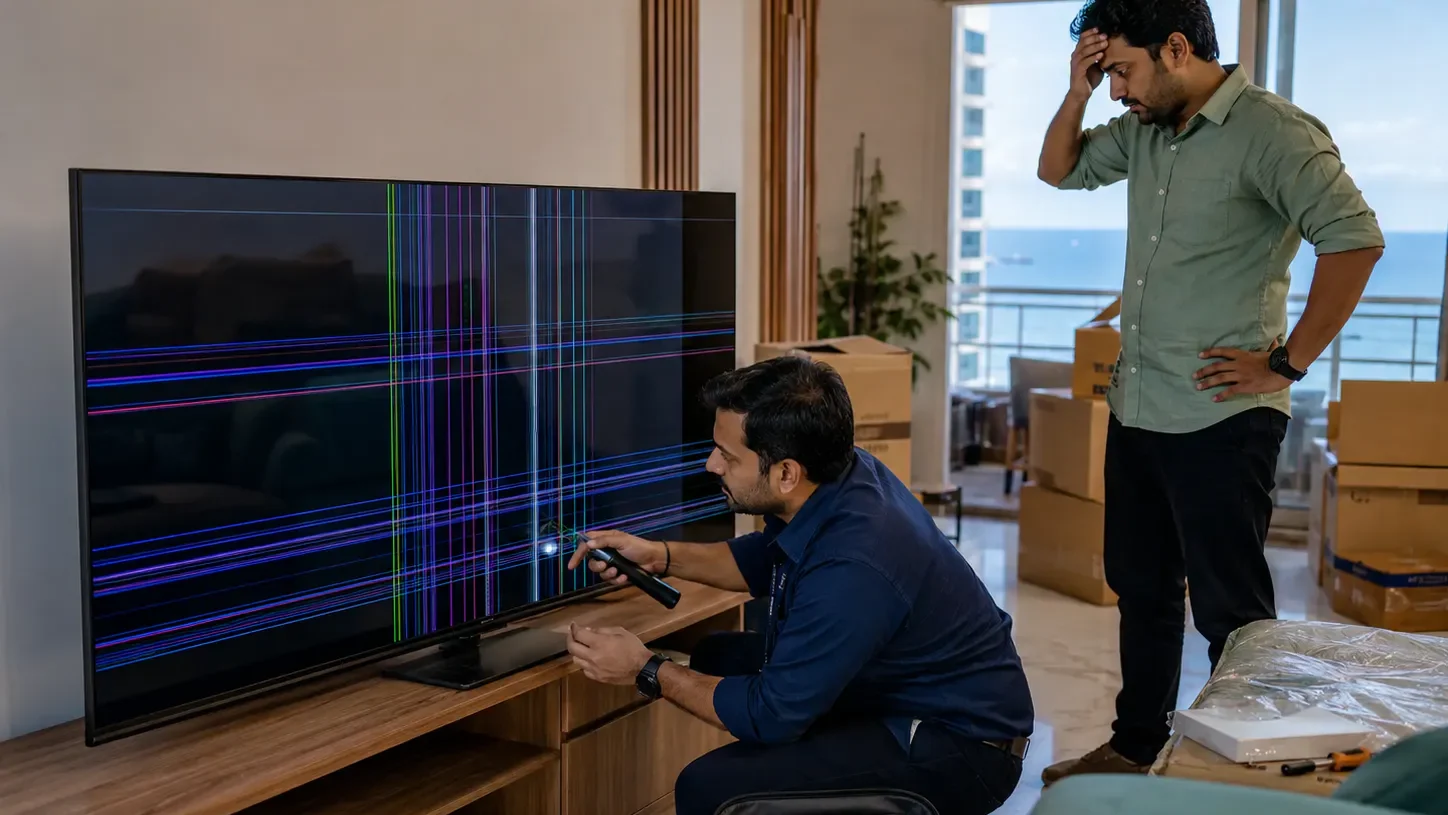
TV screens are very delicate. Even if the outside glass looks normal, internal panel layers, display cables, T-Con board, or panel connections can get affected during movement. Sometimes the issue may be repairable. But in some cases, lines after moving the TV may be a warning sign of panel damage.
In this guide, you will understand why TV lines appear after moving, how to identify panel damage signs, what quick checks you can do, and when to call a professional TV technician in Vizag.
What Does TV Lines After Moving TV Mean?
When your TV starts showing lines after shifting or moving, it usually means the display system has been disturbed. The issue may happen immediately after moving, or it may appear after turning on the TV in the new location.
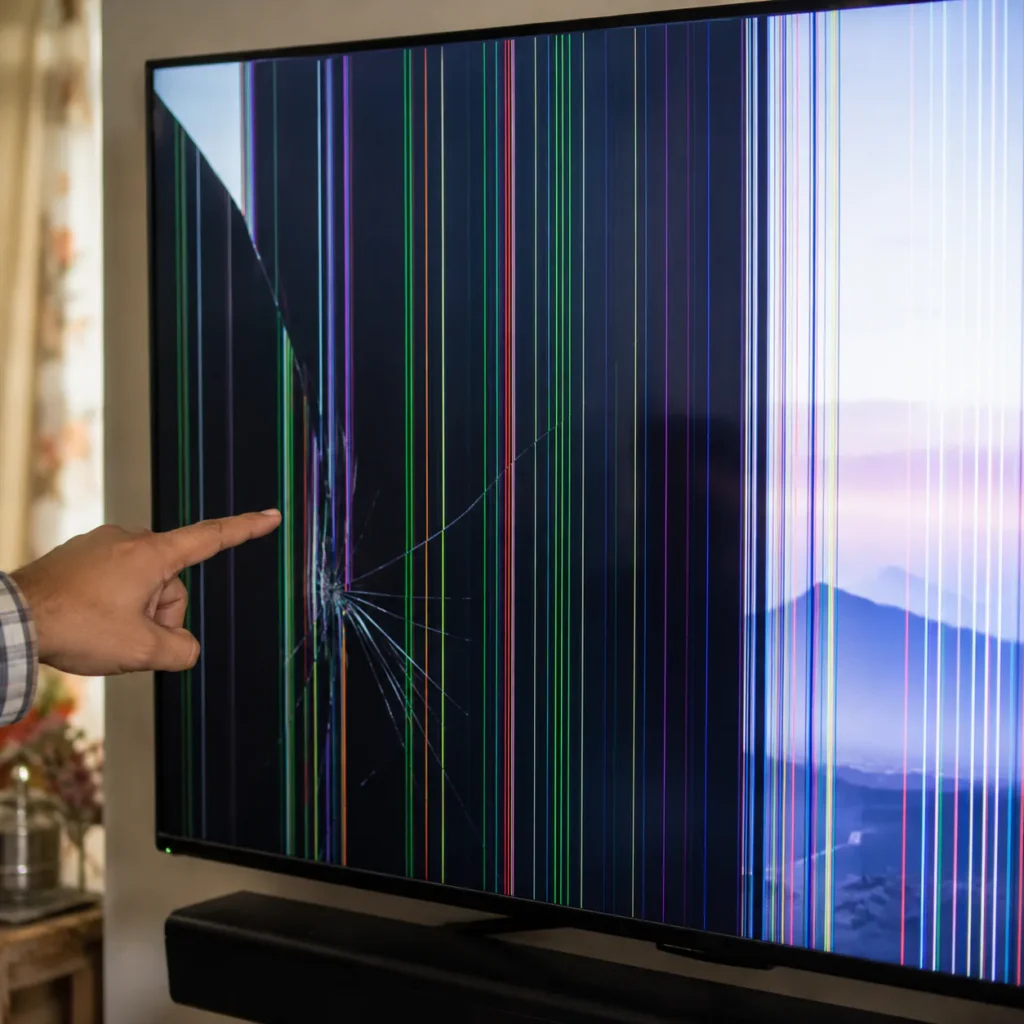
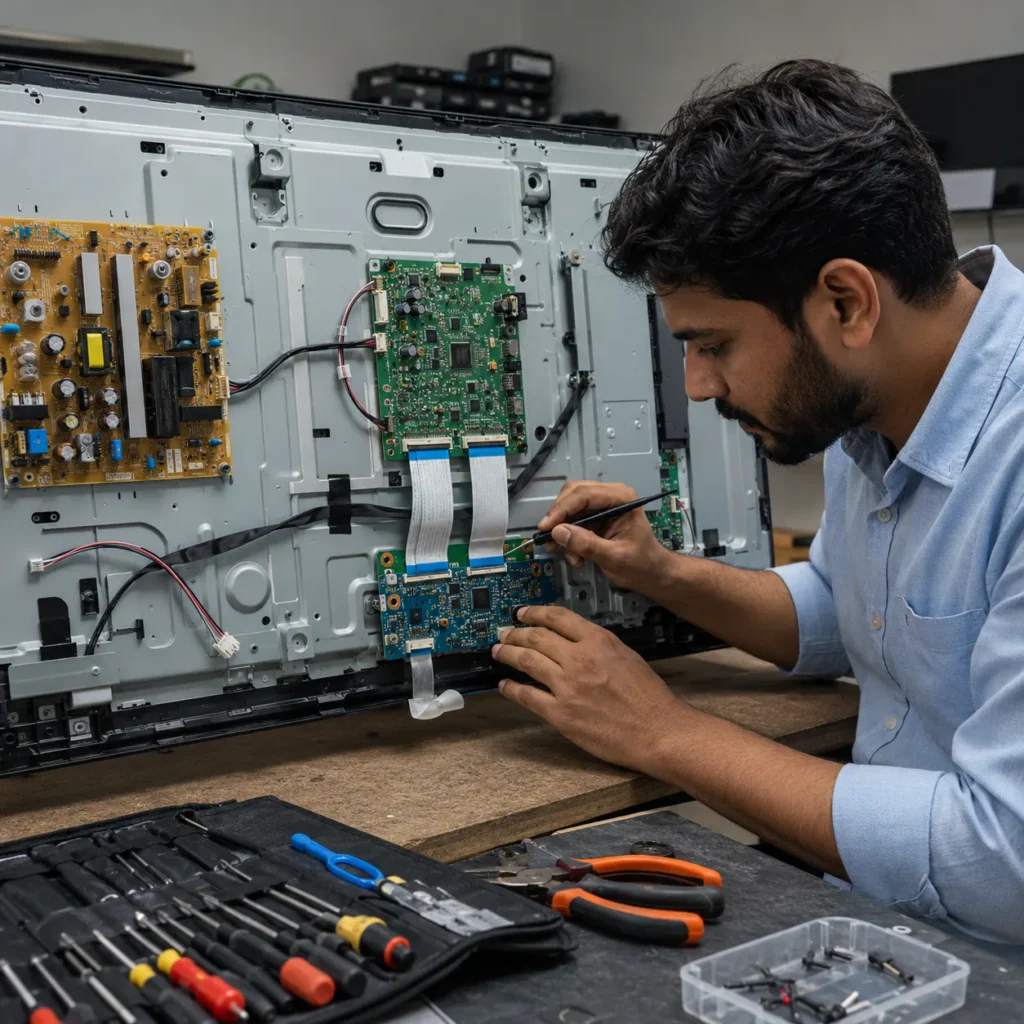
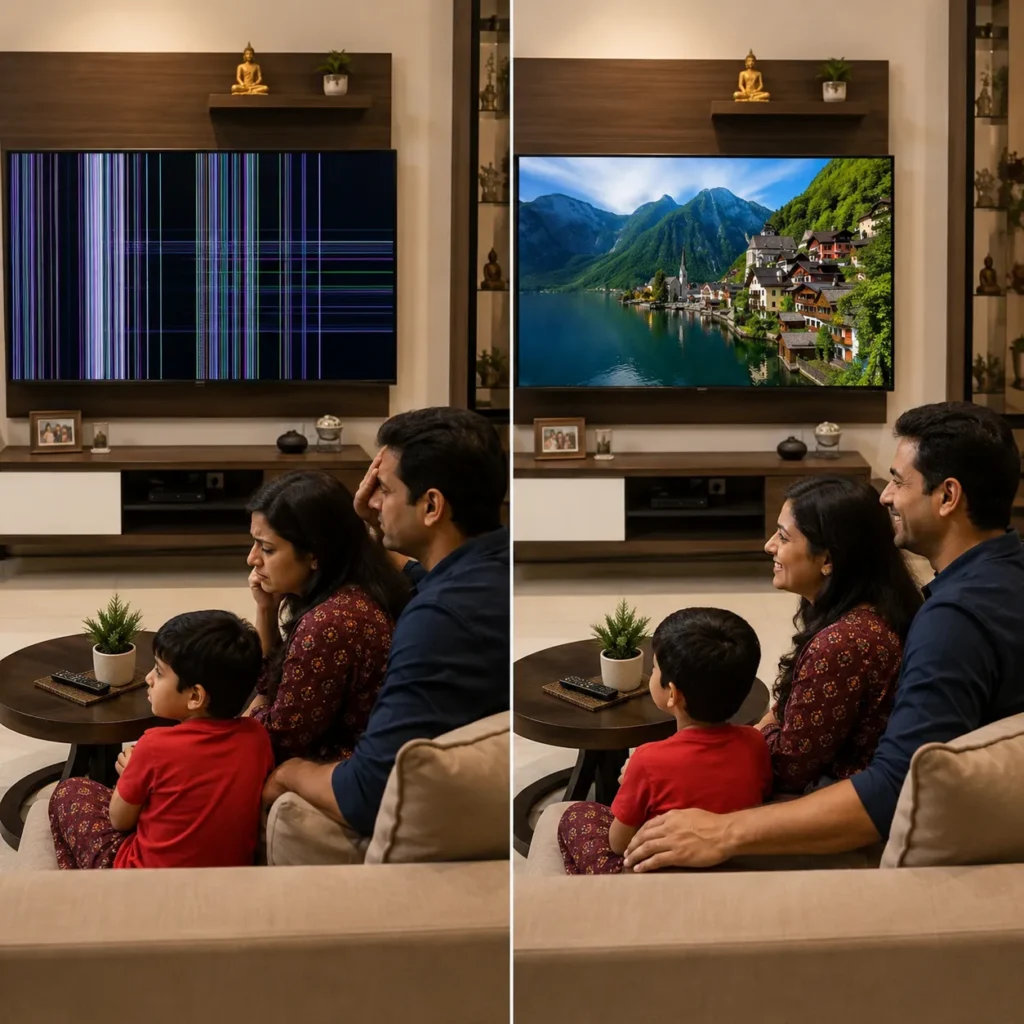
You may notice:
- vertical lines on TV screen
- horizontal lines on display
- green, red, blue, or white lines
- half screen lines
- flickering lines
- black lines on one side
- screen shaking after moving
- picture distorted after shifting
- display working with thin lines
- TV sound working but picture damaged
If you are facing TV Lines After Moving TV Vizag, do not press the screen or keep moving the TV repeatedly. The issue needs careful diagnosis.
Why TV Lines Appear After Moving
TV lines after moving can happen because of physical pressure, loose internal cable, panel stress, T-Con board issue, or display panel damage.
During shifting, the TV may face:
- vibration
- screen pressure
- wrong packing
- sudden jerks
- wall mount pressure
- cable pulling
- accidental hit
- panel bending
- moisture exposure
- dust entering connectors
Even small pressure on a large LED TV panel can create display lines or internal damage.
Main Causes of TV Lines After Moving TV Vizag
Below are the most common reasons for this issue.
1. Display Panel Damage
Display panel damage is one of the most serious reasons for TV Lines After Moving TV Vizag. The panel is the main screen part of the TV. If it gets pressed, bent, or hit during shifting, lines may appear on the screen.
Panel damage signs include:
- permanent vertical lines
- colored lines from top to bottom
- black patch with lines
- half screen not working
- screen bleeding
- ink-like marks
- lines increasing slowly
- lines after accidental pressure
- no visible outside crack but display damaged
If the panel is physically damaged, repair may not be possible in many cases. Panel replacement may be needed depending on the TV model and panel availability.
Related service: TV Panel Replacement Vizag
2. Loose Display Cable or Ribbon Connector
Sometimes lines appear because internal display cable or ribbon connector becomes loose during movement. This is more repairable compared to panel damage.
Loose cable symptoms:
- lines appear and disappear
- screen changes when TV is slightly moved
- half display comes and goes
- lines are not always fixed
- picture flickers with lines
- display works after restart for some time
A technician can safely open the TV and check internal cables. Do not try to open the TV at home because the panel is very delicate.
3. T-Con Board Issue
The T-Con board helps send image signals to the display panel. If the T-Con board or its cable connection is disturbed during shifting, the TV may show lines, flickering, white screen, or half display.
T-Con related symptoms include:
- vertical lines
- horizontal lines
- half screen issue
- white screen
- flickering picture
- display delay
- distorted image
T-Con board issue may be repairable depending on the condition.
4. Screen Pressure During Shifting
Many TV line issues happen because someone presses the screen while lifting, packing, or wall mounting. TV screens are not designed to take pressure on the display surface.
Pressure damage may cause:
- colored vertical lines
- black patch
- bright line
- dark spot
- screen bleeding
- panel layer damage
- permanent display mark
Even if the TV frame looks perfect, internal panel damage can happen due to pressure.
5. Wall Mount or Stand Pressure
After shifting, many people reinstall the TV on a wall mount or stand. If the mount is fixed incorrectly or the TV body is twisted, the panel may get stressed.
This can cause:
- new lines after wall mounting
- corner black patches
- screen pressure marks
- display flickering
- panel gap
- screen bend
Professional handling is better for large TVs, especially 43-inch, 50-inch, 55-inch, and 65-inch TVs.
6. HDMI or Input Cable Issue
Sometimes lines after moving may not be from the TV panel. It may be due to HDMI cable damage, loose set-top box connection, or external device issue.
Input-related signs:
- lines appear only on HDMI
- YouTube/app display is normal
- TV menu looks normal
- lines disappear when HDMI cable is changed
- set-top box output is faulty
For HDMI-related issues, visit our TV HDMI Port Repair Vizag guide.
7. Motherboard Display Signal Issue
The motherboard sends picture signals to the display section. If internal connections or board circuits are affected after moving, lines may appear.
Motherboard-related signs include:
- lines with restart issue
- display flickering
- HDMI issue also present
- TV stuck or hanging
- screen lines after power fluctuation
- no picture after some time
- remote response delay
For board-level checking, visit our TV Motherboard Repair Vizag page.
8. Moisture or Dust After Shifting
If the TV was moved during rainy weather or stored in a damp area, moisture may affect display connectors, boards, or panel layers.
Moisture-related symptoms:
- lines after few hours of shifting
- display flickering
- screen patches
- TV not turning on properly
- sound coming but picture issue
- lines increasing slowly
- black patches near corners
Vizag’s coastal humidity can make moisture-related TV issues more common.
Quick Checks Before Calling a Technician
Before booking service, try these safe checks.
Step 1: Check TV Menu
Open the TV settings menu. If the lines are visible on the TV menu also, the issue is likely inside the TV display system.
If the menu is clear but lines appear only on HDMI, the issue may be with the cable, set-top box, or external device.
Step 2: Check Different Inputs
Test YouTube, HDMI, USB video, and TV channels. If lines appear on every input, the issue may be panel, T-Con, display cable, or motherboard related.
Step 3: Restart the TV
Switch off the TV and unplug it from power. Wait for 5 minutes and turn it on again.
If lines disappear temporarily and return again, internal connection or board-level diagnosis may be needed.
Step 4: Do Not Press the Screen
Do not press the line area to check whether it goes away. Pressing the screen can increase panel damage.
Step 5: Check HDMI Cable
If lines appear only when using set-top box, replace the HDMI cable and test again.
Step 6: Check Whether Lines Are Increasing
If lines are slowly increasing day by day, it may be a serious panel warning sign. Call a technician early.
Panel Damage Warning Signs After Moving TV
These warning signs are important. If you see them, panel damage may be possible:
- lines started immediately after shifting
- colored vertical lines are fixed
- lines appear from top to bottom
- black patch appears with lines
- screen has ink-like marks
- half screen is dead
- lines are increasing
- screen had pressure during movement
- TV was transported without proper packing
- outer glass is okay but picture is damaged
In these cases, technician inspection is needed to confirm whether repair is possible or panel replacement is required.
Repair or Panel Replacement – What Is Needed?
The solution depends on the exact cause.
Repair May Be Possible When:
- display cable is loose
- T-Con board has issue
- connector is disturbed
- HDMI input is faulty
- motherboard signal issue is repairable
- software/input issue is causing display disturbance
Panel Replacement May Be Needed When:
- panel is physically damaged
- screen has internal bleeding
- colored lines are permanent
- black patches appear with lines
- pressure marks are visible
- half screen is dead
- panel layers are damaged
For panel diagnosis, visit our TV Panel Replacement Vizag page.
TV Lines After Moving Repair Cost in Vizag
Repair cost depends on:
- TV brand
- TV size
- type of display line
- whether panel is damaged
- cable/T-Con/motherboard condition
- spare part availability
- doorstep visit or workshop repair
- repair or replacement requirement
A loose cable or board issue may cost differently from full panel replacement. That is why a technician should inspect the TV before giving final cost.
Why This Happens Often During House Shifting
During shifting, people usually focus on furniture, appliances, and boxes. But TVs need special care because the display panel is delicate.
Common shifting mistakes:
- carrying TV by holding screen
- placing TV flat without support
- not using original box
- keeping heavy items near TV
- wall mount pressure
- vehicle vibration
- cable pulling
- no bubble wrap or foam protection
- moisture exposure during transport
Large Smart TVs need extra care because their panels are thin and sensitive.
How to Safely Move a TV Next Time
To avoid TV Lines After Moving TV Vizag problems in future:
- never press the screen
- hold TV from frame, not panel
- use original box if available
- pack with bubble wrap and foam
- keep TV upright during transport
- remove cables before moving
- avoid rough vehicle movement
- do not place heavy items on TV
- avoid moisture exposure
- use professional wall mounting support
These steps can reduce panel damage risk.
Related TV Repair Services in Vizag
You may also need these services:
- TV Panel Replacement Vizag
- TV Showing Lines on Screen in Vizag
- TV Screen Flickering Repair Vizag
- TV Motherboard Repair Vizag
- TV HDMI Port Repair Vizag
These related pages help identify whether your problem is panel damage, display cable issue, T-Con board issue, HDMI issue, or motherboard issue.
FAQs
1. Why did lines appear on my TV after moving it?
Lines may appear after moving due to panel pressure, loose display cable, T-Con board issue, HDMI cable problem, motherboard signal fault, or internal panel damage.
2. Are TV lines after shifting a panel damage sign?
Sometimes yes. If the lines are fixed, colored, increasing, or appear with black patches, it may indicate panel damage.
3. Can TV screen lines after moving be repaired?
Yes, repair may be possible if the issue is cable, T-Con board, HDMI, or motherboard related. If the panel is damaged, replacement may be required.
4. Should I press the TV screen to fix lines?
No. Never press the TV screen. Pressing can increase panel damage and make the lines worse.
5. Do you provide TV display line repair in Vizag?
Yes, TV display line diagnosis, panel inspection, board checking, and repair support are available across major Vizag areas.
Conclusion
TV Lines After Moving TV Vizag is a common issue after house shifting, wall mounting, or room rearrangement. The problem may be simple like a loose cable or serious like panel damage. Fixed colored lines, black patches, half screen issues, and growing lines are important warning signs.
Do not press the screen or keep moving the TV repeatedly. Proper technician inspection can identify whether your TV needs cable correction, T-Con board repair, motherboard repair, HDMI repair, or panel replacement.
For TV display lines after moving, panel damage inspection, and repair support in Vizag, contact our technicians today.
Call Now: 7207902424
WhatsApp: Chat on WhatsApp