
TV Black Screen with Sound Vizag – Backlight Repair Guide
If your TV has sound but the screen is completely black, it can feel confusing. You can hear dialogues, music, YouTube audio, or channel sound, but the picture is not visible. This issue is commonly searched as TV Black Screen with Sound Vizag, and in many cases, it is connected to a backlight, display, power board, or panel-related problem.
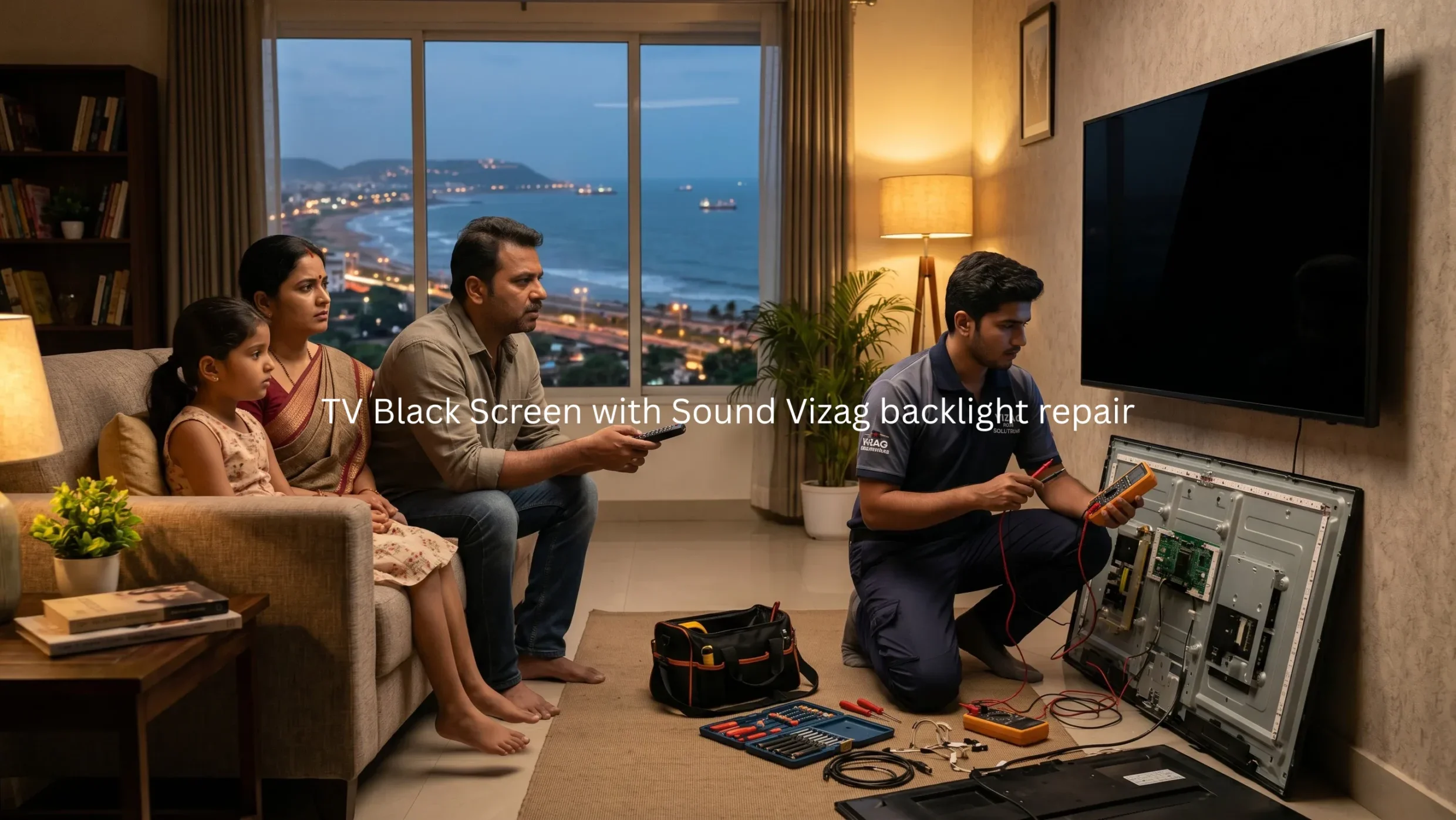
For many homes in Vizag, this problem happens suddenly. Yesterday the TV may work normally, but today the screen is black while sound is still coming. In this guide, you will understand the common causes, quick checks, warning signs, repair options, and when to call a professional TV technician in Vizag.
What Does TV Black Screen with Sound Mean?
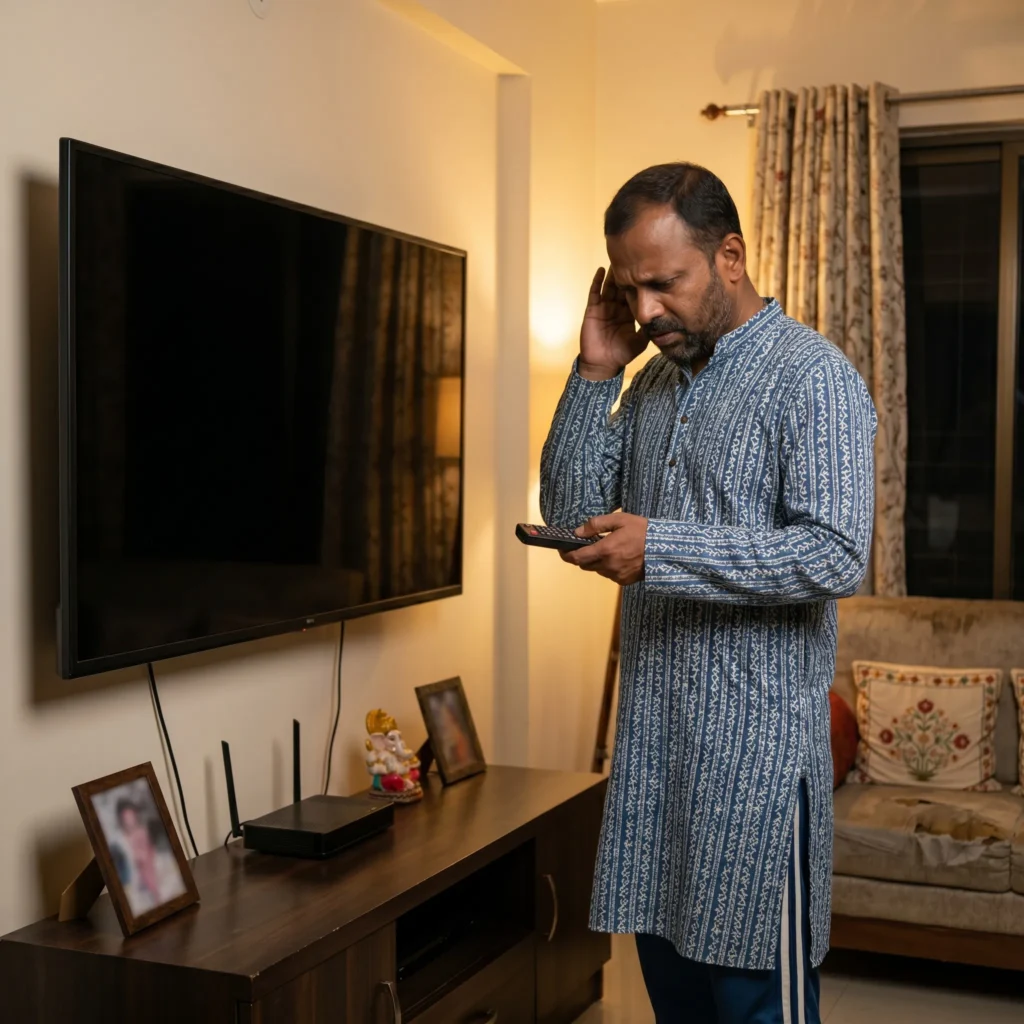
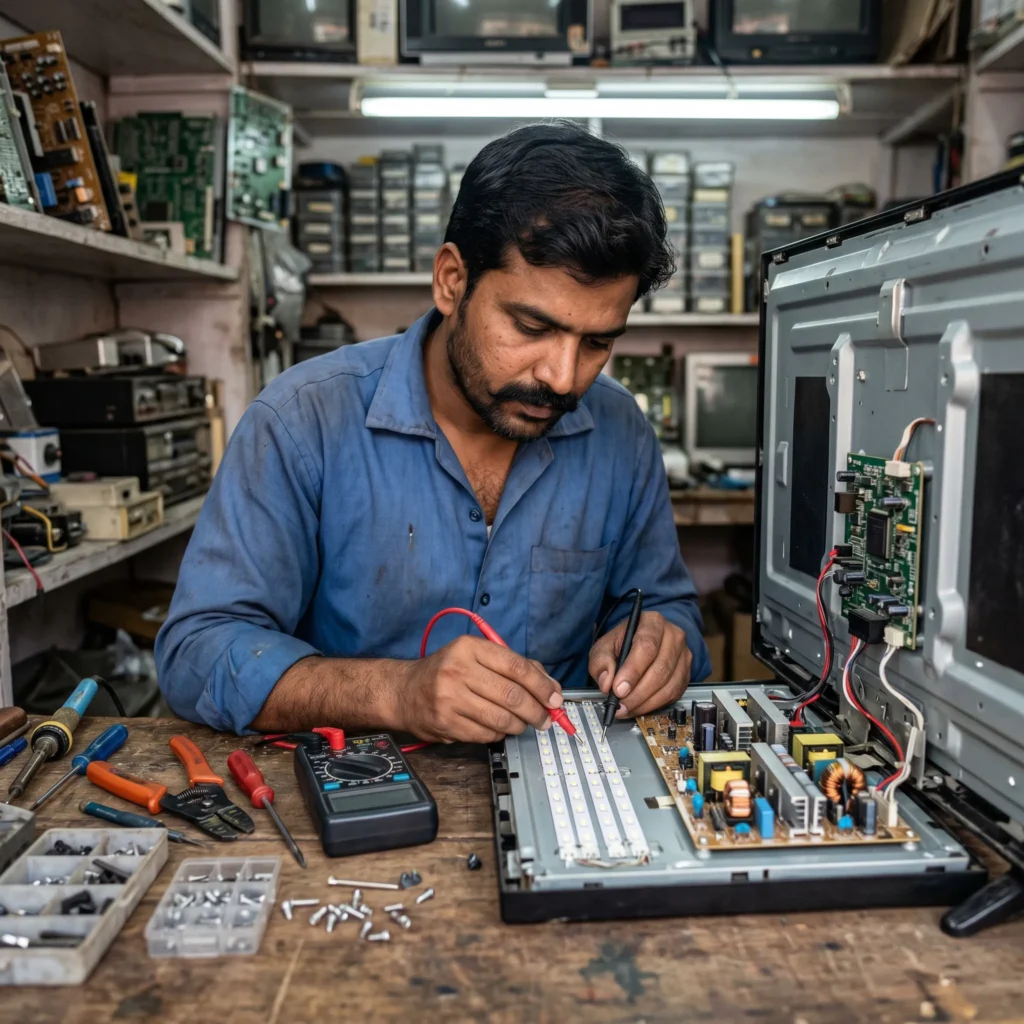
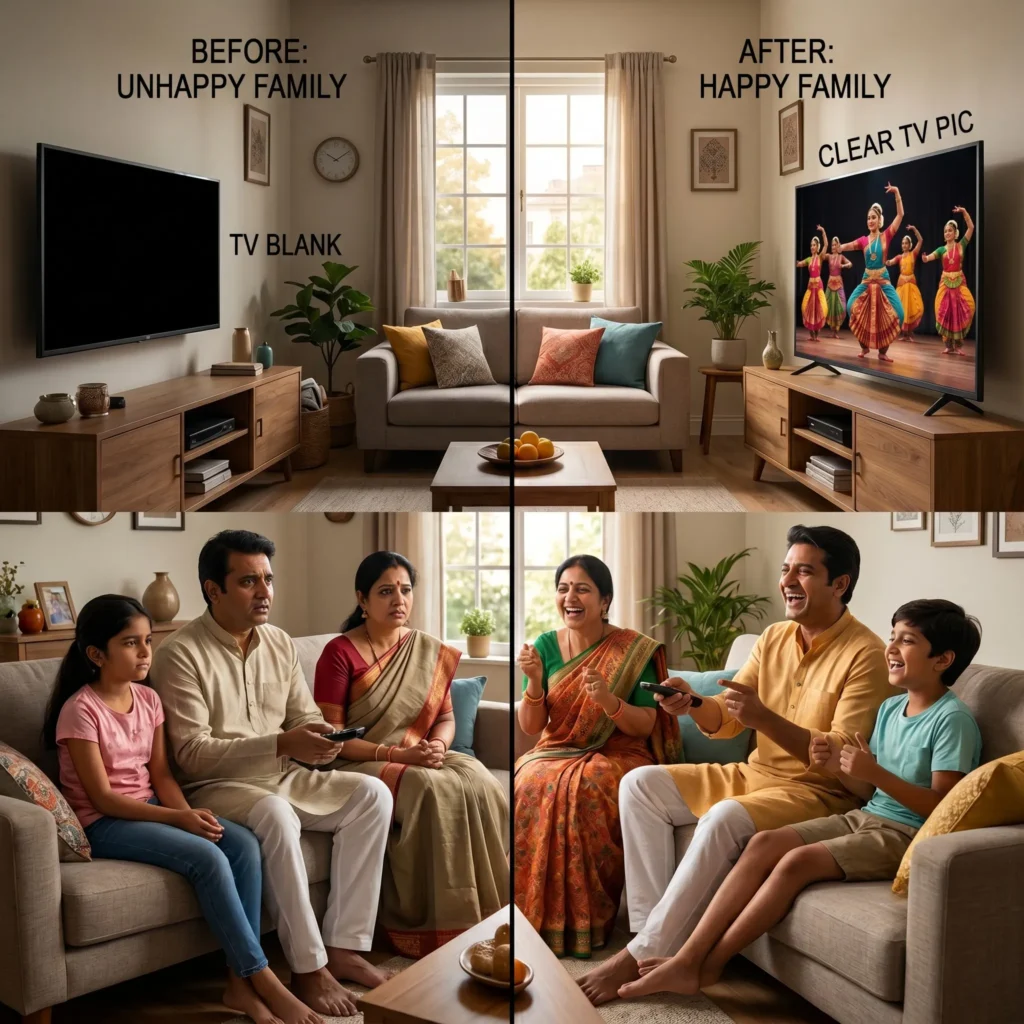
When your TV produces sound but does not show picture, it means the TV is receiving power and the audio section is working. But the display section is not producing visible images.
This may happen in:
- LED TVs
- Smart TVs
- Android TVs
- OLED TVs
- QLED TVs
- UHD TVs
The most common reason behind TV Black Screen with Sound Vizag is a backlight issue. In LED TVs, the backlight helps the picture become visible. Without proper backlight, the screen may look fully black even though the TV is actually running.
You can also read more about how LED display lighting works from this external reference on LED-backlit LCD technology.
Common Symptoms of TV Black Screen with Sound
Your TV may show one or more of these symptoms:
- TV turns on but screen stays black
- Sound is coming but no picture
- Display appears for a few seconds and goes black
- Screen is very dim but audio works
- TV logo appears and disappears
- Picture is visible only when light is flashed on screen
- Backlight blinks and screen turns black
- TV works after restart but fails again
If these symptoms match your TV, you may need TV backlight repair Vizag service or display diagnosis.
Main Causes of TV Black Screen with Sound Vizag
There are several reasons why this issue happens. A technician should inspect the TV properly before confirming the exact fault.
1. Backlight Failure
Backlight failure is one of the most common causes of TV Black Screen with Sound Vizag.
In LED TVs, backlight strips are placed behind the display panel. These lights help make the picture visible. If the backlight strips fail, the TV may still produce sound, but the screen looks black.
Backlight failure can happen because of:
- long usage hours
- overheating
- voltage fluctuations
- poor quality power supply
- aging LED strips
- moisture impact
- high brightness settings
If your TV has sound but no picture, backlight checking is usually one of the first steps.
For related repair support, visit our TV Backlight Repair Guide Vizag.
2. Power Supply Board Issue
Sometimes the problem is not directly in the backlight strips but in the power supply board. The power board sends voltage to the display, backlight, motherboard, and other internal parts.
If the backlight voltage is missing or unstable, the screen may become black even though sound is working.
Common signs include:
- TV turns on but no picture
- red standby light works
- sound works normally
- display turns off after a few seconds
- TV restarts sometimes
For similar power-related problems, check our TV Power Supply Issue Repair Vizag.
3. Display Panel Problem
In some cases, a black screen with sound may be linked to the display panel. If the panel circuits are damaged, the TV may fail to show picture properly.
Panel-related issues may also show:
- black patches
- vertical lines
- half display
- screen bleeding
- white screen
- flickering before black screen
If the panel is damaged, the technician must inspect whether repair is possible or whether panel replacement is required.
For panel-related support, visit our TV Panel Replacement Vizag page.
4. Motherboard or T-Con Board Issue
The motherboard controls major TV functions. The T-Con board helps process the picture signal to the screen. If either board has a fault, you may hear sound but not see picture.
This can happen because of:
- IC failure
- short circuit
- loose internal connection
- moisture damage
- overheating
- voltage surge
If your TV also has restart issues, blinking light, or software hanging, motherboard checking may be required.
Read more on our TV Motherboard Repair Vizag service page.
5. Loose Display Cable or Connector
Sometimes the issue may be simple. Internal display cables, ribbon connectors, or panel connectors may become loose or damaged.
This may happen after:
- moving the TV
- wall mount shifting
- accidental impact
- previous repair work
- dust or moisture inside the TV
A technician can open the TV safely and check internal cables. Do not open the TV at home without proper tools because the display panel is delicate.
Quick Checks Before Calling a Technician
Before booking service, you can try these safe steps.
Step 1: Restart the TV
Switch off the TV and unplug it from power. Wait for 5 minutes, then plug it in again and turn it on.
If the picture comes back temporarily and disappears again, there may be an internal issue.
Step 2: Check the Remote and Input Source
Sometimes the TV may be on the wrong input source. Press the input/source button and check HDMI, AV, or TV mode.
If sound is coming from the same channel or app but picture is missing, the issue is likely inside the TV.
Step 3: Use Flashlight Test
Turn on your mobile flashlight and point it close to the TV screen while the TV sound is playing.
If you can see a very faint picture, it usually indicates backlight failure.
This is one of the strongest signs of TV Black Screen with Sound Vizag backlight issue.
Step 4: Check Brightness Settings
If your Smart TV display is very dim, check picture settings. But if the screen is fully black, settings alone may not fix the problem.
Step 5: Avoid Repeated Power ON/OFF
Do not keep turning the TV on and off many times. If there is a board fault or short circuit, repeated power attempts may increase the damage.
When Should You Call a TV Technician?
You should call a professional TV technician if:
- sound is coming but picture is not visible
- flashlight test shows faint image
- screen turns black after a few seconds
- TV has backlight blinking
- burning smell comes from TV
- display worked before but suddenly stopped
- TV had voltage fluctuation recently
- screen became black after lightning or power cut
- TV has black patches or lines before going black
At this stage, TV Black Screen with Sound Vizag needs proper diagnosis. The technician may check the backlight strips, power board, motherboard, display panel, and internal connectors.
Can TV Black Screen with Sound Be Repaired?
Yes, in many cases this issue can be repaired. If the problem is backlight failure, power board issue, connector issue, or board-level fault, repair may be possible.
But if the display panel is physically damaged, cracked, or internally failed, panel replacement may be required.
That is why inspection is important before deciding the repair cost.
TV Black Screen with Sound Repair Cost in Vizag
Repair cost depends on:
- TV brand
- TV screen size
- LED, Smart TV, OLED, or QLED model
- backlight strip condition
- power board condition
- panel condition
- spare part availability
- home visit or workshop repair requirement
A 32-inch TV backlight issue may cost differently from a 55-inch Smart TV display issue. So it is better to get proper inspection before deciding.
For complete display-related support, visit our TV No Display Issue Repair Vizag.
Why This Problem Happens More in Vizag
Vizag has coastal weather, humidity, dust, and frequent voltage changes in some areas. These conditions can affect TV components over time.
Common local reasons include:
- coastal moisture
- dust buildup
- power fluctuations
- long TV usage during summer
- poor ventilation around TV
- wall-mounted TVs with heat buildup
- sudden power cuts
- old extension boards
Because of this, many Vizag customers face backlight, power board, display, and motherboard issues.
How to Prevent TV Black Screen Issues
You can reduce the chances of black screen problems by following these tips:
- use a good quality surge protector
- avoid keeping brightness at maximum always
- switch off TV properly when not in use
- keep TV away from moisture
- avoid cheap power extensions
- leave proper ventilation around TV
- avoid moving the TV roughly
- call technician early when screen starts flickering
These simple steps can improve TV performance and reduce repair risk.
Related TV Repair Services in Vizag
You may also need these services:
- TV Panel Replacement Vizag
- TV Motherboard Repair Vizag
- TV Screen Flickering Repair Vizag
- TV Not Turning ON Repair Vizag
These internal links help you understand related TV issues and choose the right repair service.
FAQs
1. Why does my TV have sound but no picture?
This usually happens due to backlight failure, display panel issue, power board fault, motherboard issue, or loose display connection.
2. Is TV black screen with sound a backlight problem?
In many LED TVs, yes. If sound is working and the screen is black, backlight failure is one of the most common reasons.
3. Can I fix TV black screen with sound at home?
You can try restarting the TV, checking input source, and doing the flashlight test. But internal repair should be done by a technician.
4. How do I know if my TV backlight is damaged?
If you shine a flashlight on the screen and see a faint image, the backlight may be damaged.
5. Do you provide doorstep TV repair in Vizag?
Yes, doorstep TV inspection and repair support is available across major Vizag areas.
Conclusion
TV Black Screen with Sound Vizag is a common issue in LED TVs and Smart TVs. In many cases, it is connected to backlight failure, power board issue, motherboard fault, or panel damage. The good news is that many of these problems can be repaired after proper inspection.
If your TV has sound but no picture, do not ignore it or keep restarting it again and again. Get proper diagnosis from an experienced technician.
For fast support, call our TV repair team in Vizag today.
Call Now: 7207902424
WhatsApp: Chat on WhatsApp