
TV Blinking Red Light Problem Vizag – Quick Fix
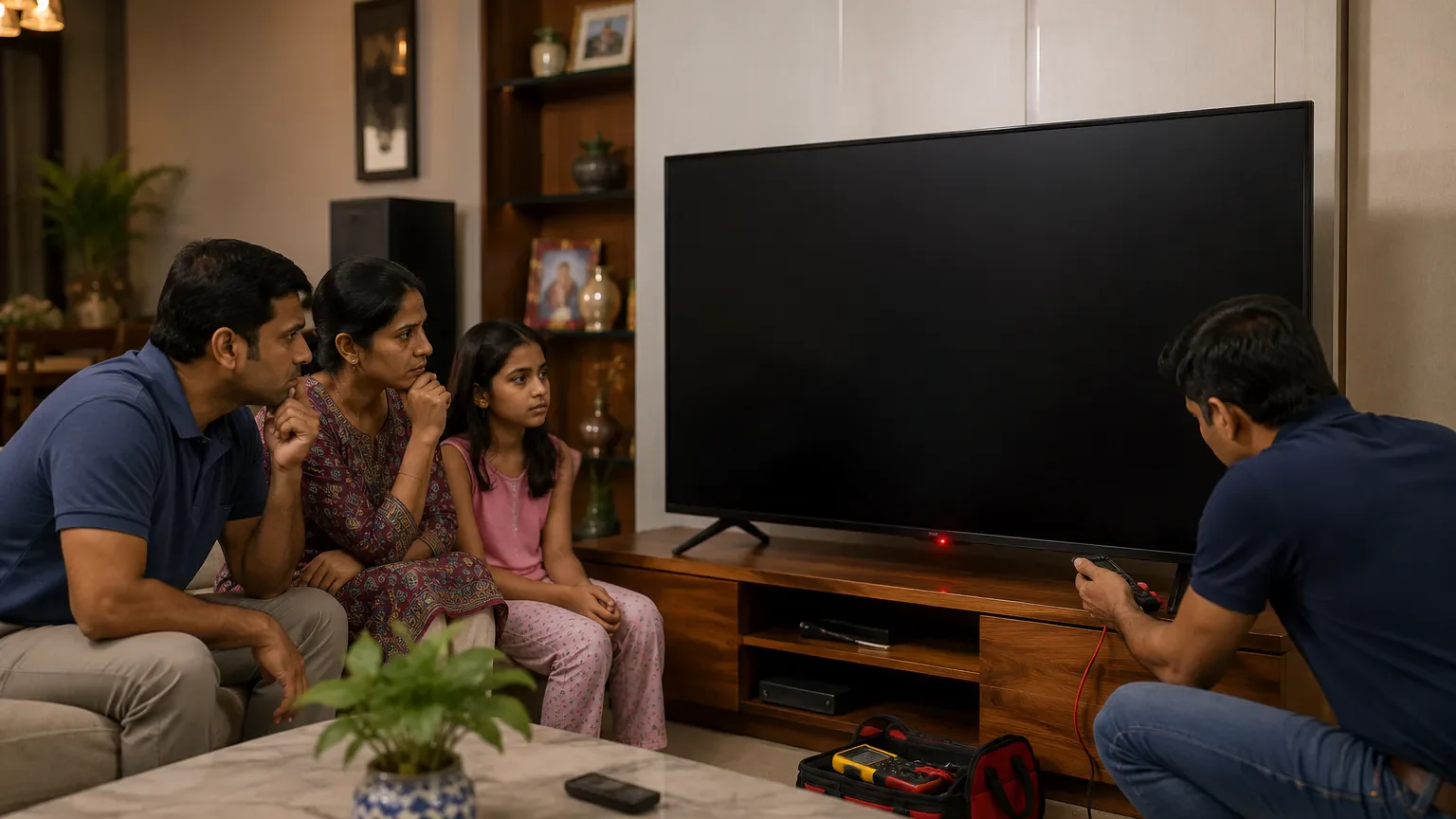
If your TV is not turning on and only a red light is blinking, it can feel confusing and stressful. Many customers in Vizag face this issue with LED TVs, Smart TVs, Android TVs, OLED TVs, and QLED TVs. Sometimes the TV remains completely black, but the small red standby light keeps blinking. In other cases, the TV tries to start, shows the logo for a second, and then shuts down again.
This issue is commonly searched as TV Blinking Red Light Problem Vizag, because many people want to know whether it is a small issue or a serious internal fault. కొన్ని సార్లు ఇది simple power reset తో solve అవుతుంది, కానీ చాలా cases లో motherboard, power supply board, backlight, or software issue వల్ల ఈ problem వస్తుంది.
In this guide, you will learn the main causes, quick fixes, repair cost idea, prevention tips, and when to call a professional TV repair technician in Vizag.
What Does TV Blinking Red Light Mean?
A blinking red light on a TV usually means the TV is in standby mode or protection mode. Modern TVs use this light to indicate internal status. If the light blinks once and the TV turns on, it may be normal. But if the red light keeps blinking continuously and the TV does not start, there may be an internal issue.
In many cases, TV Blinking Red Light Problem Vizag happens because the TV is trying to protect itself from further damage. Internal boards may detect power failure, voltage fluctuation, overheating, or software errors.
సరళంగా చెప్పాలంటే, TV లోపల ఏదో fault detect అవుతోంది. అందుకే TV full start కాకుండా red light blink అవుతుంది.
Common Symptoms of TV Blinking Red Light Problem
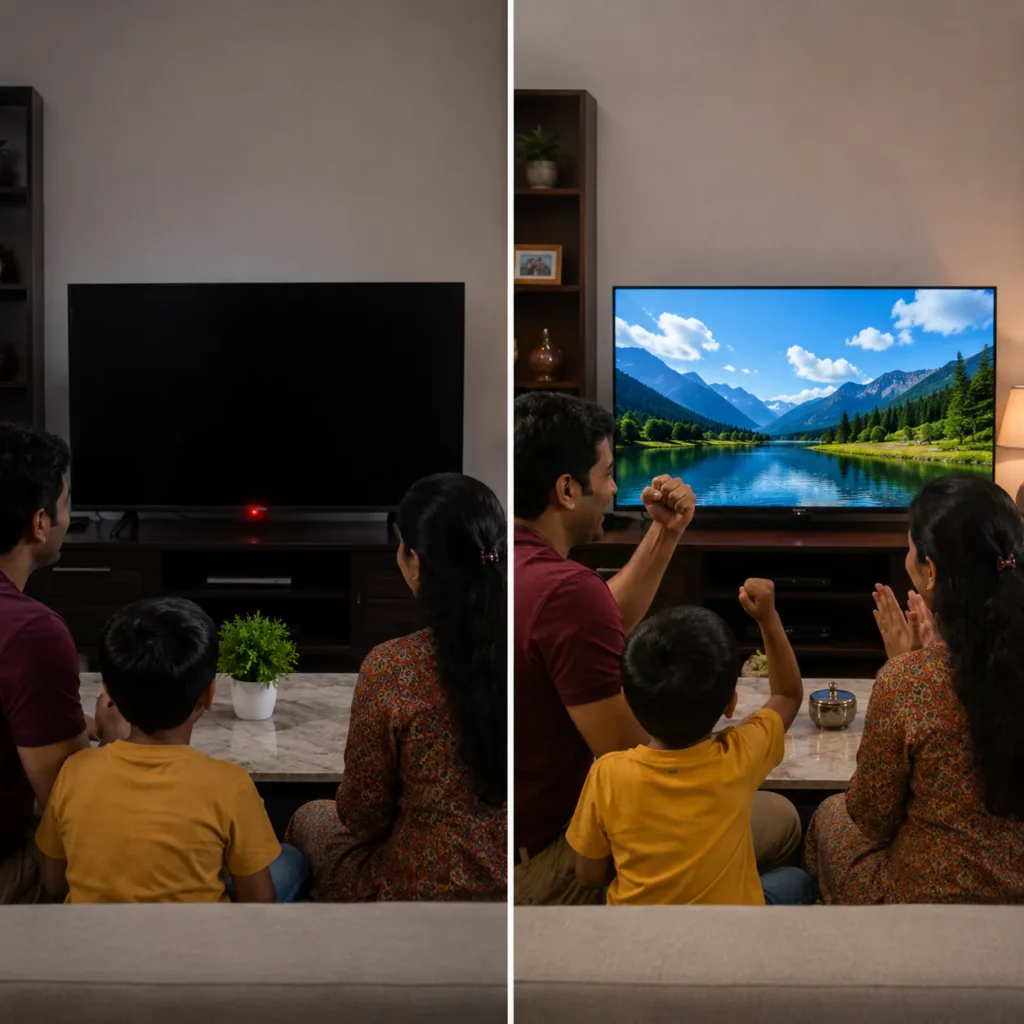
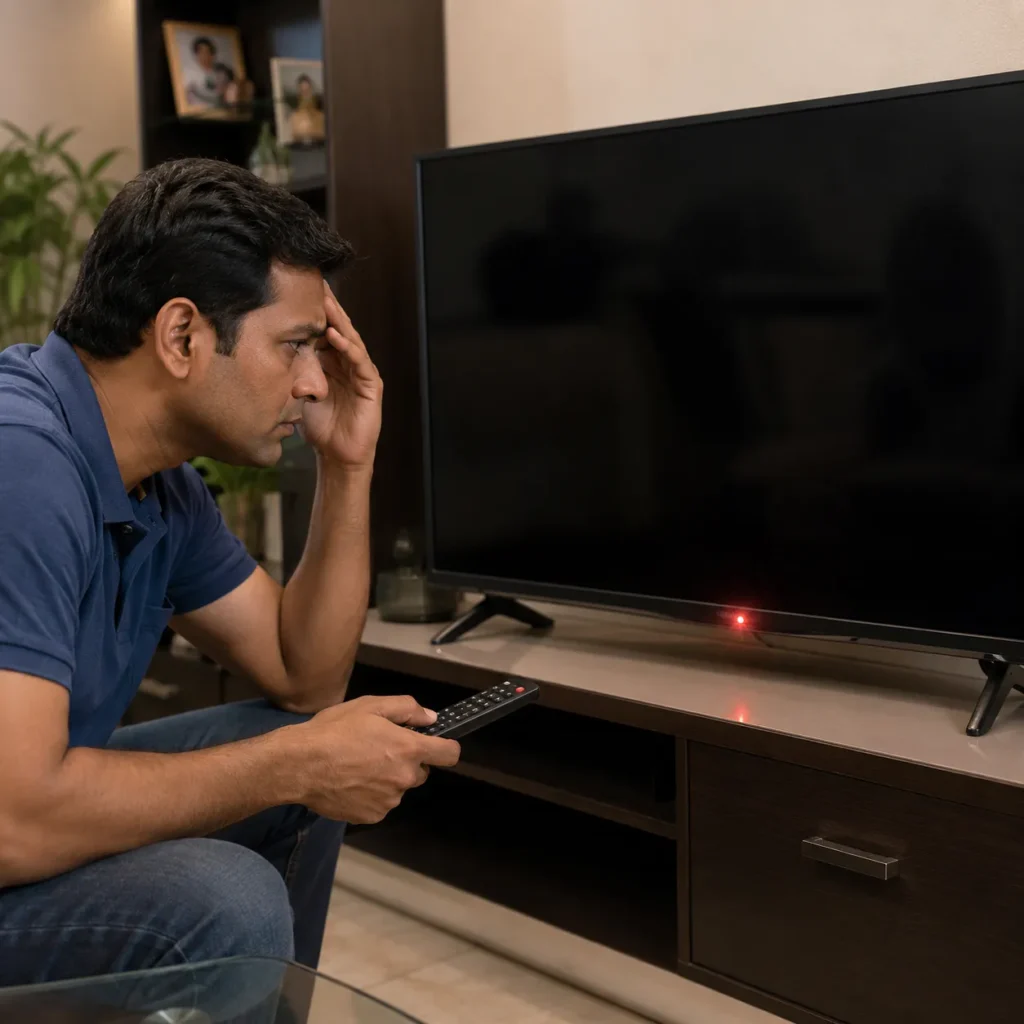
Before understanding the causes, check what symptoms your TV is showing.
Common symptoms include:
- TV not turning on
- Red standby light blinking continuously
- Screen staying completely black
- TV clicking sound but no display
- Logo appearing and disappearing
- TV restarting again and again
- Remote not responding
- Sound not coming
- TV turning off automatically
If you notice these symptoms, don’t repeatedly press the power button. Repeated restart attempts can sometimes increase internal damage.
Main Causes of TV Blinking Red Light Problem Vizag
1. Power Supply Board Problem
The power supply board gives required voltage to different parts of the TV. If this board fails, your TV may not start properly. This is one of the most common reasons for TV Blinking Red Light Problem Vizag.
Power board issues can happen due to:
- voltage fluctuation
- old capacitors
- overheating
- power surge
- dust accumulation
మీ TV red light blink అవుతూ on కాకపోతే, power supply board inspection చాలా important.
You can also read about voltage variation to understand how unstable power affects electronic devices.
2. Motherboard Failure
The motherboard is like the brain of the TV. It controls display, sound, software, input signals, and startup process. If the motherboard has a fault, the TV may remain stuck in standby mode.
Common motherboard symptoms:
- TV blinking red light
- TV not turning on
- TV restarting automatically
- logo stuck problem
- no display
- remote not responding
For this issue, you can check our TV Motherboard Repair in Vizag service page.
3. Backlight Failure
Sometimes the TV may actually turn on internally, but the screen remains black because the backlight is damaged. In some models, backlight failure may also trigger red light blinking.
Signs of backlight issue:
- sound is coming but no picture
- screen looks very dim
- red light blinks and TV shuts down
- display appears only with torch test
If your TV has sound but no display, check our TV Backlight Repair in Vizag page
4. Software or Firmware Issue
Smart TVs depend heavily on software. If a firmware update fails or the system files get corrupted, the TV may not boot properly. This may cause a blinking standby light.
Software issue signs:
- TV stuck on logo
- apps not opening
- TV restarting
- slow response
- black screen after update
ఇది mostly Smart TV users కి common problem. Sometimes software reset or firmware reinstall is required.
For related support, visit our Smart TV Repair in Vizag service page. and tv caree
5. Voltage Fluctuation in Vizag Homes
In many areas, sudden power changes can affect TV components. Voltage fluctuation can damage power boards, motherboard ICs, backlight circuits, and internal connectors.
If your TV started blinking red light after a power cut or heavy fluctuation, do not ignore it. It may need technician inspection.
To prevent this:
- use a good voltage stabilizer
- avoid cheap extension boxes
- unplug TV during thunderstorms
- don’t overload sockets
Quick Fixes You Can Try at Home
Before calling a technician, try these safe basic steps.
1. Power Reset
Switch off the TV and remove the power cable. Wait for 5 to 10 minutes. Press and hold the TV power button for 20 to 30 seconds. Then reconnect the cable and turn it on.
This can clear temporary power errors.
2. Check Power Socket
Use another socket and avoid loose plugs. Sometimes the issue is not with the TV but with the power connection.
3. Remove External Devices
Disconnect HDMI cables, USB drives, set-top box, gaming console, and soundbar. Then restart the TV.
Sometimes external device conflict can stop the TV from booting.
4. Check Remote and Power Button
Try turning on the TV using the physical power button instead of the remote. If the remote battery is weak, the TV may not respond properly.
5. Don’t Open the TV Yourself
If the TV still shows the same blinking red light, don’t open it without knowledge. Modern TVs have sensitive boards and high-voltage sections.
When Should You Call a TV Technician?
You should call a professional TV technician if:
- red light keeps blinking continuously
- TV does not turn on after power reset
- burning smell comes from TV
- TV makes clicking sound
- screen stays black
- TV turns on and off repeatedly
- problem started after voltage fluctuation
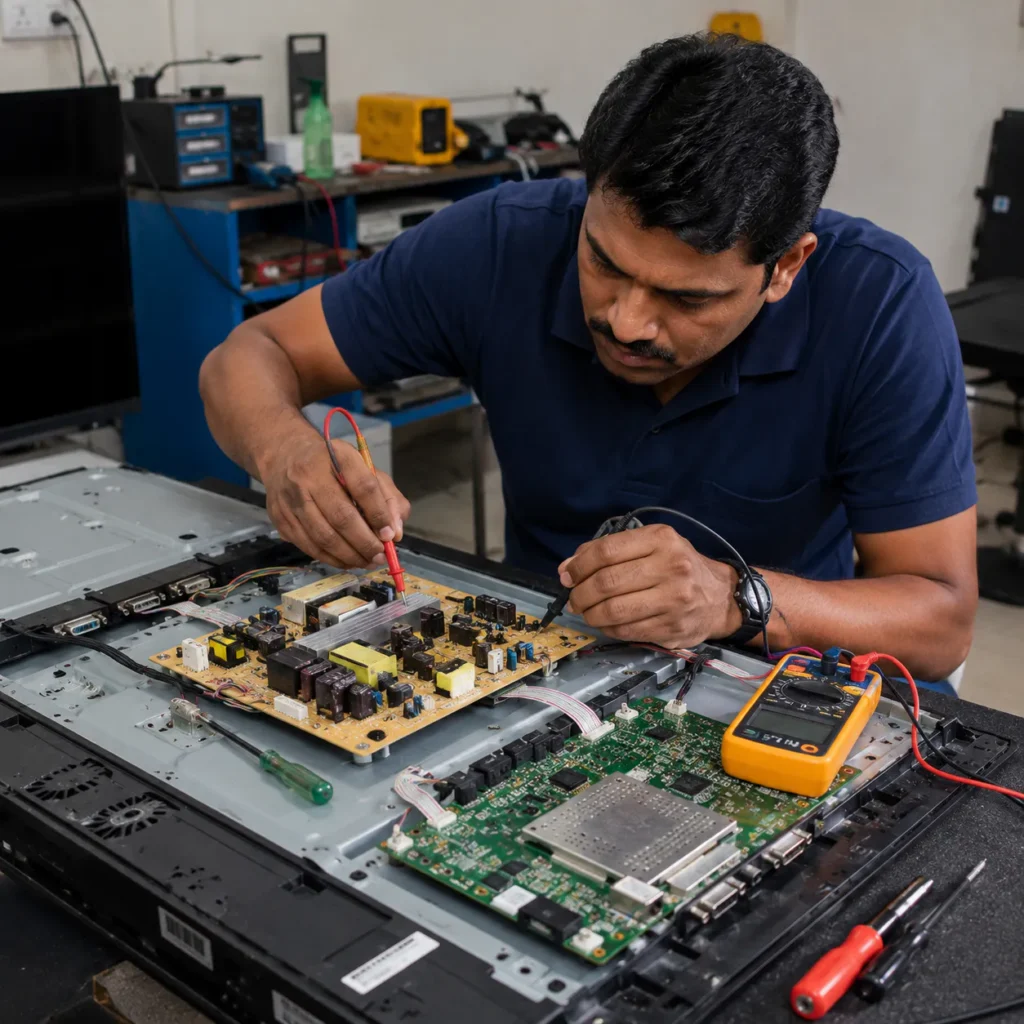
At this stage, TV Blinking Red Light Problem Vizag usually needs proper diagnosis. Technician will check power board, motherboard, backlight, and software condition.
For complete support, visit our TV Repair Vizag page.
Professional Diagnosis Process
A professional technician usually checks the TV step by step.
Step 1: External Power Check
First, technician checks socket, cable, plug, and power input.
Step 2: Power Supply Board Test
The power board output voltage is tested with proper tools.
Step 3: Motherboard Inspection
If voltage is correct but TV is not booting, motherboard is checked.
Step 4: Backlight Testing
If TV has sound but no display, backlight system is tested.
Step 5: Software Check
For Smart TVs, software and firmware condition are also checked.
ఈ proper diagnosis వల్ల unnecessary parts replacement avoid చేయవచ్చు.
TV Blinking Red Light Repair Cost in Vizag
Repair cost depends on the actual problem. There is no fixed price without inspection.
Cost depends on:
- TV size
- brand and model
- motherboard condition
- power board damage
- backlight issue
- spare part availability
Minor power issues may cost less. Motherboard or power board repairs may cost more. If panel or backlight replacement is involved, cost will depend on TV size and model.
Always ask for clear explanation before repair starts.
Related TV Repair Services in Vizag
Blinking red light issue is often connected with other TV problems. You may also need:
- TV Display Repair in Vizag
- TV Backlight Repair in Vizag
- Smart TV Repair in Vizag
- TV Motherboard Repair in Vizag
These internal links help users find the right service and also improve your website SEO structure.
How to Prevent TV Blinking Red Light Problems
Prevention is better than repair. Follow these tips:
- use a good stabilizer
- keep TV away from moisture
- don’t keep TV on continuously for long hours
- clean dust around TV unit
- avoid overheating
- turn off TV properly
- use quality power socket
చిన్న precautions తీసుకుంటే TV life improve అవుతుంది.
FAQs
1. Why is my TV blinking red light but not turning on?
It may happen due to power supply board issue, motherboard failure, backlight problem, or software error. If reset does not work, technician inspection is needed.
2. Can TV blinking red light problem be repaired?
Yes, many blinking red light issues can be repaired after proper diagnosis. Power board, motherboard, software, or backlight-related problems are often repairable.
3. Is blinking red light a serious problem?
Sometimes it is a minor temporary issue, but continuous blinking usually indicates internal fault. Don’t ignore it if the TV is not turning on.
4. How much does TV blinking red light repair cost in Vizag?
Cost depends on the TV model, size, and damaged part. Technician inspection is required before final pricing.
5. Can voltage fluctuation cause TV red light blinking?
Yes, voltage fluctuation can damage internal boards and cause startup failure or red light blinking.
6. Do you provide doorstep TV repair in Vizag?
Yes, doorstep TV repair service is available across major Vizag areas for power, display, motherboard, and Smart TV issues.
Conclusion
If your TV has a blinking red light and is not turning on, don’t panic and don’t repeatedly restart it. First, try simple power reset and cable checks. If the issue continues, it may be related to power supply board, motherboard, backlight, or software system.
A professional technician can identify the exact reason and repair the TV safely. Early diagnosis can reduce repair cost and prevent further damage.
For fast support with TV Blinking Red Light Problem Vizag, choose experienced TV repair technicians who provide doorstep service across Vizag.
Need TV Repair Service in Vizag?
If your TV is blinking red light, not turning on, or showing power issues, get fast doorstep inspection and repair support.
Call now for professional TV repair service in Vizag. For More Details Click Here