
TV Keeps Restarting After Update Vizag – Smart TV Repair Guide
If your Smart TV keeps restarting after a software update, it can be very irritating. The TV may turn on, show the logo, restart again, and continue the same loop. Many customers search for TV Keeps Restarting After Update Vizag when their LED Smart TV, Android TV, 4K TV, OLED TV, or QLED TV stops working properly after an update.
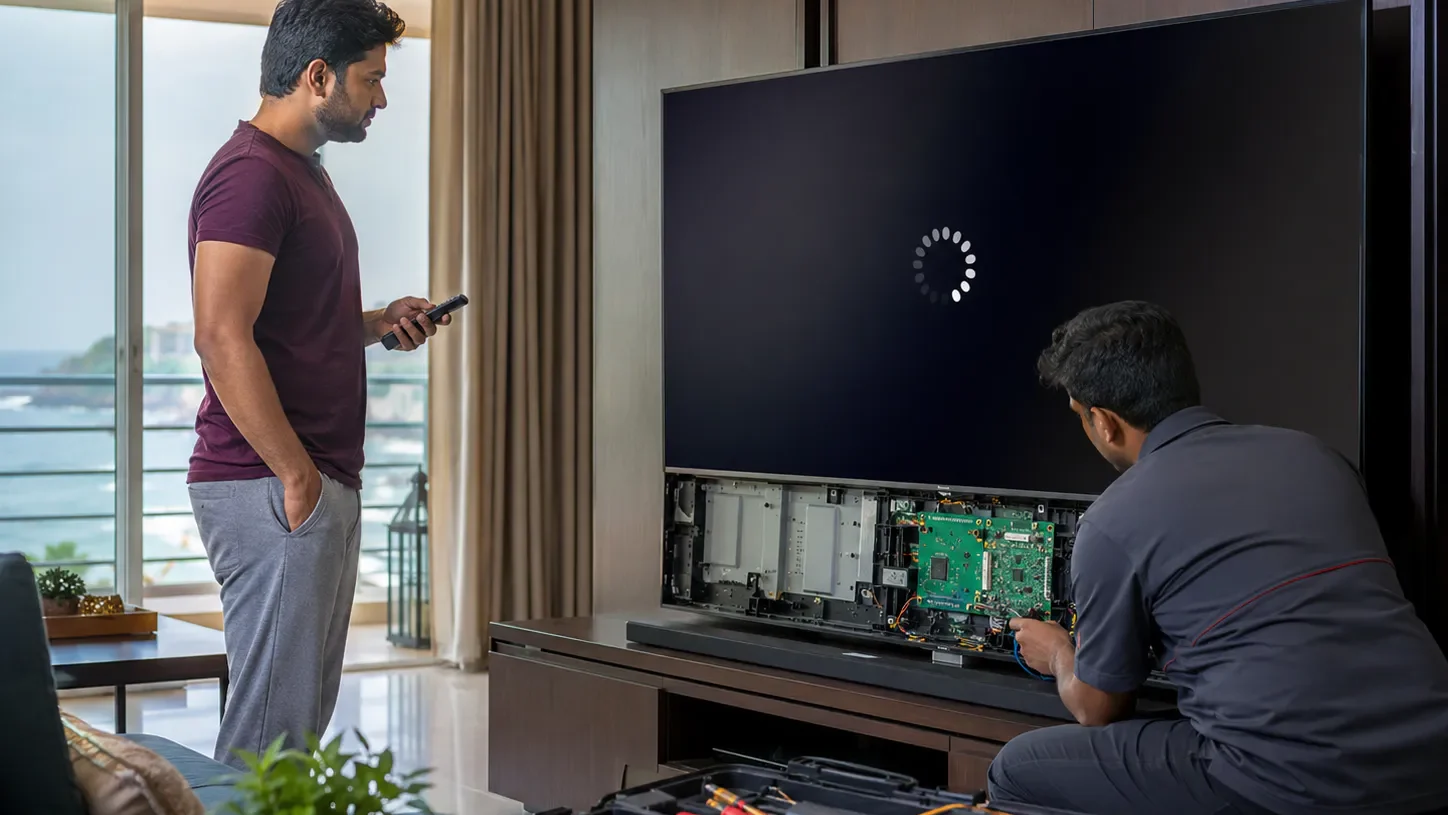
This issue can happen suddenly after a system update, app update, firmware error, power interruption, or internal board problem. Sometimes it looks like a simple software issue, but in some cases, the problem may be connected to the motherboard, memory chip, power board, or internal hardware.
In this guide, you will understand why your TV keeps restarting after update, what quick checks you can try, when software repair is possible, and when you should contact a professional Smart TV technician in Vizag.
What Does TV Restarting After Update Mean?
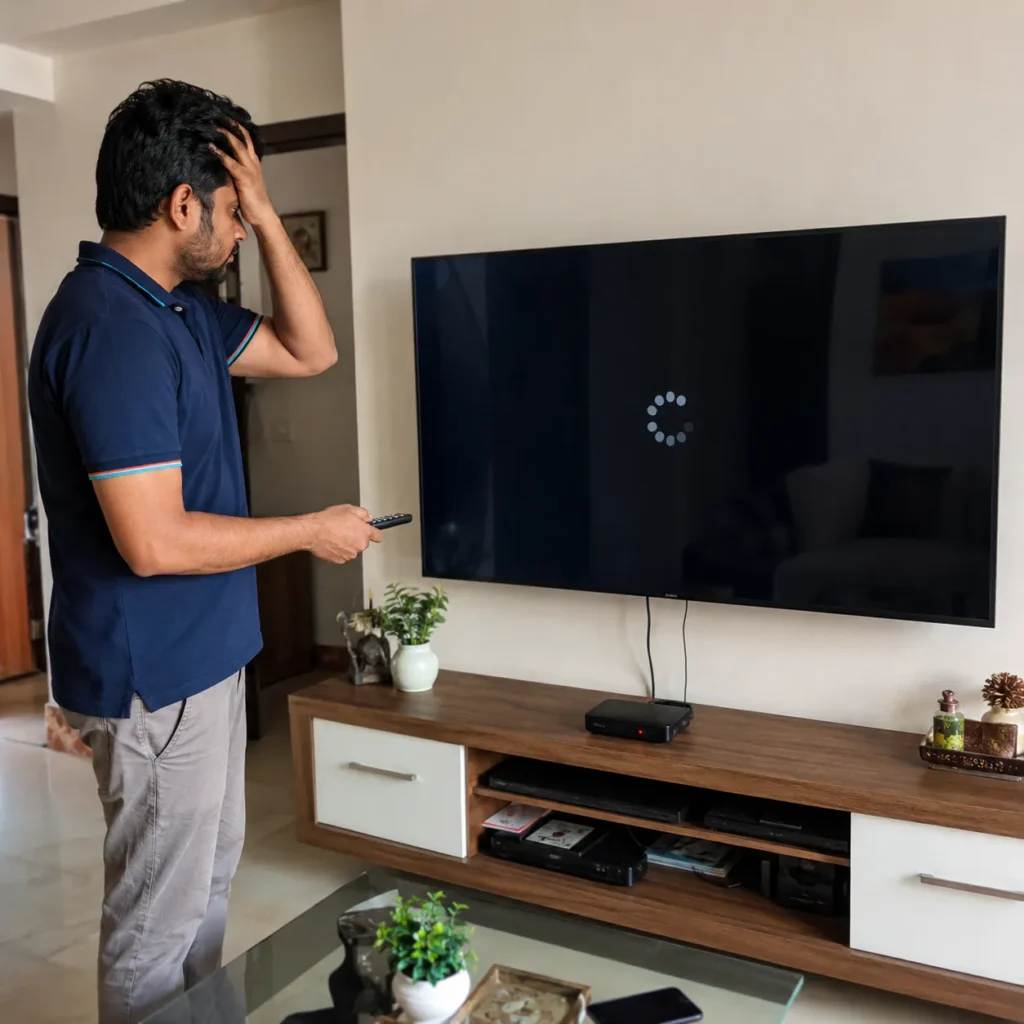
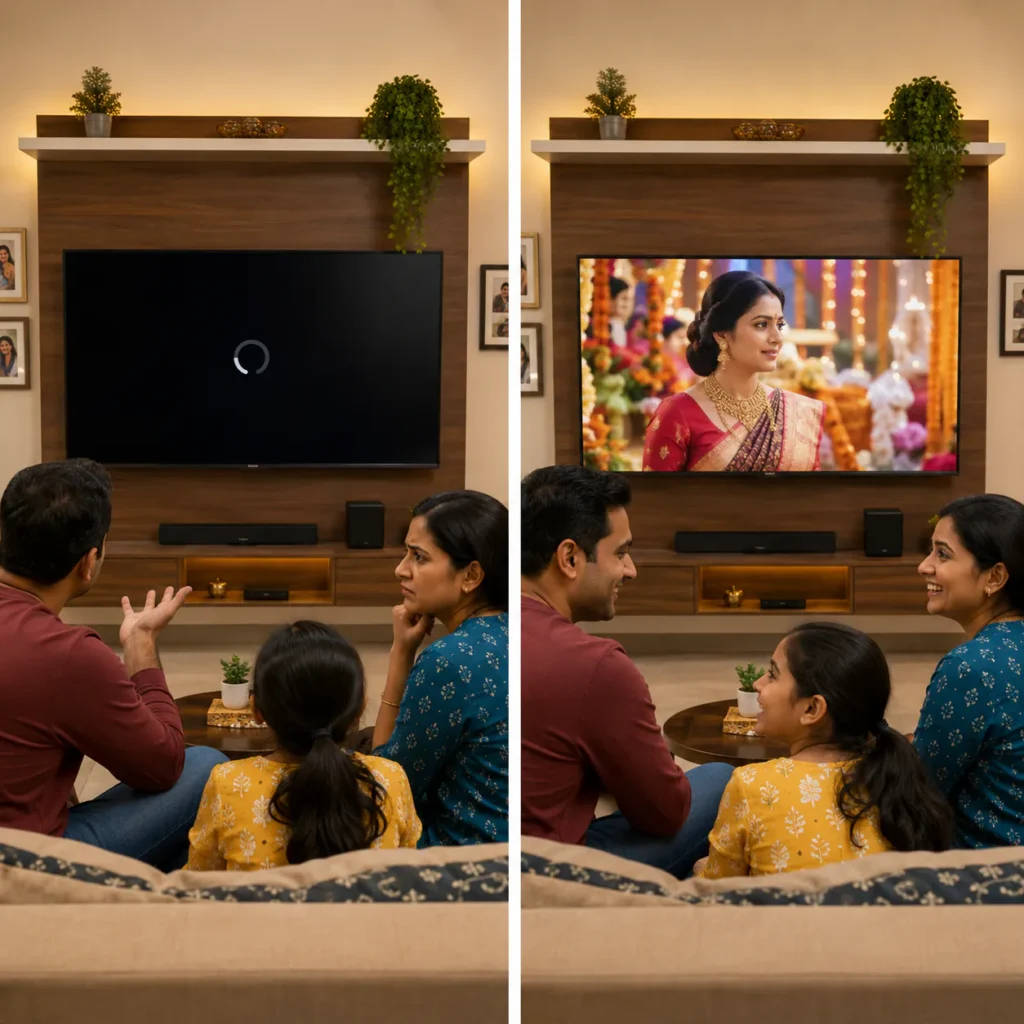
When a TV keeps restarting after update, it means the TV is unable to complete its boot process properly. The system tries to start, but something stops it, so it restarts again.
You may notice symptoms like:
- TV shows logo and restarts
- TV turns on and off repeatedly
- Smart TV stuck on boot screen
- Android TV stuck on logo
- TV restarts after software update
- TV restarts while opening apps
- TV works for a few minutes and restarts
- TV update failed and screen keeps rebooting
- remote not responding during restart loop
- TV becomes slow after update and restarts again
If you are facing TV Keeps Restarting After Update Vizag, do not keep switching the TV on and off repeatedly. Proper diagnosis is important.
Common Smart TVs That Face Restarting Problems
This issue can happen in many TV types:
- Android TV
- Smart TV
- LED TV
- 4K TV
- OLED TV
- QLED TV
- UHD TV
- Google TV
- WebOS TV
Restarting problems can happen in different brands and models. The exact repair method depends on the TV software, motherboard condition, memory, and power supply.
Main Causes of TV Keeps Restarting After Update Vizag
There are several reasons why a Smart TV may restart repeatedly after an update. Below are the most common causes.
1. Failed Software Update
A failed software update is one of the main reasons for TV Keeps Restarting After Update Vizag.
This can happen if:
- power went off during update
- internet disconnected during update
- update file was corrupted
- TV storage was full
- firmware was not installed properly
- TV was switched off during update
- update was not suitable for the model
When the update fails, the TV may not load the operating system correctly. It may restart again and again without opening the home screen.
2. Firmware Corruption
Firmware is the internal system software that helps the TV work properly. If firmware becomes corrupted, the TV may get stuck on logo or restart loop.
Firmware corruption signs:
- TV stuck on logo
- TV restarts after logo screen
- Smart TV not opening home page
- apps not loading
- TV update failed
- black screen after update
- TV responds slowly before restart
In many cases, firmware repair or software reinstallation may be required.
3. Low Internal Storage
Smart TVs need enough free space for updates, apps, cache, and system files. If storage is full, the update may fail or the TV may become slow and unstable.
Low storage symptoms:
- apps crashing
- TV hanging
- update not completing
- TV restarting after opening apps
- home screen loading slowly
- YouTube or Netflix not opening
- TV works for some time and restarts
If the TV opens for a short time before restarting, clearing cache and removing unused apps may help. But if the TV is stuck in restart loop, technician support may be required.
4. App Conflict After Update
Sometimes the TV update is completed, but some apps may not support the new software properly. This can cause the TV to hang, freeze, or restart.
Common app-related symptoms:
- TV restarts when opening YouTube
- TV restarts when opening Netflix
- TV restarts after connecting WiFi
- TV restarts when opening home screen
- TV restarts after app update
- TV becomes slow after update
This type of problem may need app reset, software correction, or factory reset.
5. Motherboard Issue
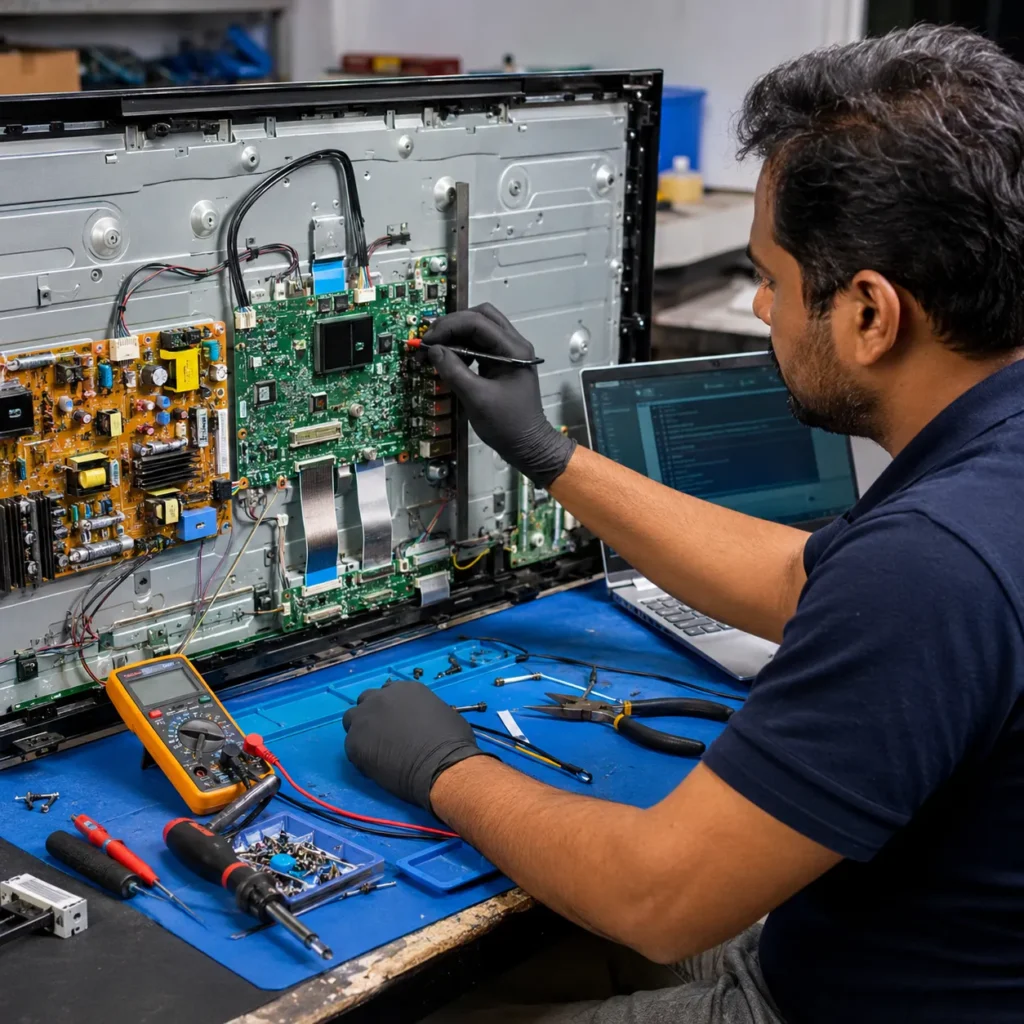
The motherboard controls the Smart TV system, software, display signal, WiFi, HDMI, audio, remote response, and boot process. If the motherboard has a fault, the TV may keep restarting.
Motherboard-related signs include:
- TV stuck on logo
- TV restarts even after reset
- TV does not complete booting
- HDMI or WiFi not working
- apps crash repeatedly
- TV turns off automatically
- remote not responding
- TV restarts after power fluctuation
For board-level checking, visit our TV Motherboard Repair Vizag page.
6. Power Board Problem
A power board issue can also cause restart problems. If the power board does not provide stable voltage, the TV may turn on and restart repeatedly.
Power board symptoms:
- TV turns on and off continuously
- red light blinking
- clicking sound inside TV
- TV restarts randomly
- TV works for a few minutes and turns off
- TV restarted after voltage fluctuation
- burning smell from TV
For power-related issues, check our TV Power Supply Issue Repair Vizag.
7. Overheating
Smart TVs can restart if internal components become overheated. This may happen because of poor ventilation, dust inside the TV, long usage hours, or aging parts.
Overheating signs:
- TV works for some time and restarts
- back side of TV becomes very hot
- TV restarts during apps or videos
- TV shuts down after long usage
- restart problem increases in summer
- TV works after cooling down
Vizag summer heat and poor ventilation can make this issue worse.
8. WiFi or Network Update Error
Some Smart TVs restart after connecting to WiFi because they try to download or complete an update repeatedly. If the update process fails again and again, the TV may restart.
Network-related signs:
- TV restarts after connecting WiFi
- TV restarts while opening apps
- TV update notification appears repeatedly
- TV works offline but restarts online
- apps crash after internet connection
For WiFi-related Smart TV issues, read our TV Not Connecting to WiFi in Vizag guide.
Quick Checks Before Calling a Technician
Before booking a technician, try these safe checks.
Step 1: Remove Power for 10 Minutes
Switch off the TV and remove the power plug. Wait for 10 minutes. Then plug it back and turn it on.
This helps clear temporary power and software errors.
Step 2: Disconnect External Devices
Remove all external devices like:
- set-top box
- HDMI cable
- Fire TV Stick
- gaming console
- USB drive
- home theatre
- CCTV DVR
Sometimes an external device or HDMI conflict can cause restart issues.
For HDMI input problems, visit our TV HDMI Port Repair Vizag guide.
Step 3: Check Remote Buttons
Sometimes a stuck power button on the remote can cause repeated on/off behavior. Remove batteries from the remote and check if the TV still restarts.
If the TV stops restarting, the remote may be faulty.
Step 4: Try Safe Mode if Available
Some Android TVs allow safe mode. If the TV opens in safe mode, an app may be causing the problem.
But if you are not confident, avoid changing advanced settings without guidance.
Step 5: Disconnect WiFi Temporarily
If the TV opens for a few seconds, try disconnecting WiFi or turning off the router. If the TV stops restarting, the issue may be related to update download, app sync, or network process.
Step 6: Avoid Repeated Factory Reset Attempts
Factory reset can help in some cases, but if the TV is stuck in restart loop, repeated reset attempts may not solve the problem. It may need firmware repair or motherboard diagnosis.
When Should You Call a Smart TV Technician?
Call a technician if:
- TV keeps restarting after update
- TV is stuck on logo
- TV restarts every few seconds
- TV update failed and does not open
- TV restarts even after unplugging
- TV restarts after power fluctuation
- apps crash and TV restarts
- remote is not responding
- TV restarts when WiFi is connected
- TV works for a few minutes and then restarts
- TV has burning smell or clicking sound
At this stage, a technician can check whether the issue is software, firmware, motherboard, power board, memory, or overheating.
Can TV Restarting After Update Be Repaired?
Yes, many TV Keeps Restarting After Update Vizag cases can be repaired.
Repair may be possible if the issue is related to:
- firmware corruption
- failed update
- app conflict
- low storage
- software boot error
- motherboard software section
- power board voltage issue
- internal connector problem
In some cases, software repair or firmware reinstallation may solve the issue. In other cases, motherboard repair may be required.
Smart TV Software Repair vs Motherboard Repair
It is important to know the difference.
Software repair may help when:
- update failed
- TV stuck after app update
- apps crash
- TV hanging
- cache or storage issue
- boot loop due to firmware error
Motherboard repair may be required when:
- TV does not boot even after software work
- memory chip has issue
- motherboard IC is damaged
- TV restarts after voltage fluctuation
- HDMI, WiFi, audio, or remote also not working
- TV has repeated restart even after reset
For full Smart TV repair support, visit our Smart TV Repair Vizag page.
TV Restarting After Update Repair Cost in Vizag
Repair cost depends on:
- TV brand
- TV size
- Smart TV operating system
- software condition
- motherboard condition
- power board condition
- spare part availability
- whether firmware repair or board repair is needed
- doorstep visit or workshop requirement
A simple software reset may cost less. But motherboard repair or replacement may cost more. Final cost should be confirmed only after inspection.
Why This Issue Happens in Vizag Homes
Vizag has coastal moisture, dust, heat, and voltage fluctuation in many areas. Smart TVs are sensitive to sudden power cuts during updates.
Common local reasons include:
- power cut during update
- voltage fluctuation
- weak internet during update
- coastal humidity
- dust inside TV
- overheating during summer
- low-quality extension boards
- old wiring
- long Smart TV usage
These reasons can affect software, motherboard, memory, and power supply.
How to Prevent Smart TV Restarting Problems
Follow these simple tips:
- use a good surge protector
- do not switch off TV during update
- keep stable internet during update
- remove unused apps
- clear app cache when TV becomes slow
- keep TV storage free
- avoid cheap extension boards
- give proper ventilation behind TV
- restart TV occasionally
- update only when power and internet are stable
These precautions can reduce Smart TV restart and software issues.
Related TV Repair Services in Vizag
You may also need these services:
- Smart TV Repair Vizag
- TV Motherboard Repair Vizag
- TV Power Supply Issue Repair Vizag
- TV Not Connecting to WiFi in Vizag
- TV Auto Restart Problem Vizag
These related pages help identify whether the issue is software, update, WiFi, motherboard, or power board related.
FAQs
1. Why does my TV keep restarting after update?
Your TV may keep restarting after update due to failed firmware update, software corruption, low storage, app conflict, motherboard issue, or power board problem.
2. Can a Smart TV restart loop be fixed?
Yes, many restart loop issues can be fixed with software repair, firmware reinstallation, app reset, motherboard repair, or power board diagnosis.
3. Should I factory reset my TV if it keeps restarting?
Factory reset may help in some cases. But if the TV is stuck in restart loop or not opening properly, technician diagnosis is safer.
4. Is restart after update a motherboard problem?
Not always. It may be software-related. But if the issue continues after software repair or happened after voltage fluctuation, motherboard checking may be required.
5. Do you provide Smart TV restarting repair in Vizag?
Yes, Smart TV software, firmware, motherboard, power board, and restart loop repair support is available across major Vizag areas.
Conclusion
TV Keeps Restarting After Update Vizag is a common Smart TV issue. It may happen because of failed software update, firmware corruption, app conflict, low storage, motherboard fault, power board issue, or overheating.
Do not keep restarting the TV again and again if it is stuck in a loop. Proper diagnosis can identify whether your TV needs software repair, firmware work, motherboard repair, or power board service.
For Smart TV restart loop, update failure, stuck logo, or auto restart repair support in Vizag, contact our TV repair technicians today.
Call Now: 7207902424
WhatsApp: Chat on WhatsApp