
7 Fixes for TV Not Connecting to WiFi in Vizag
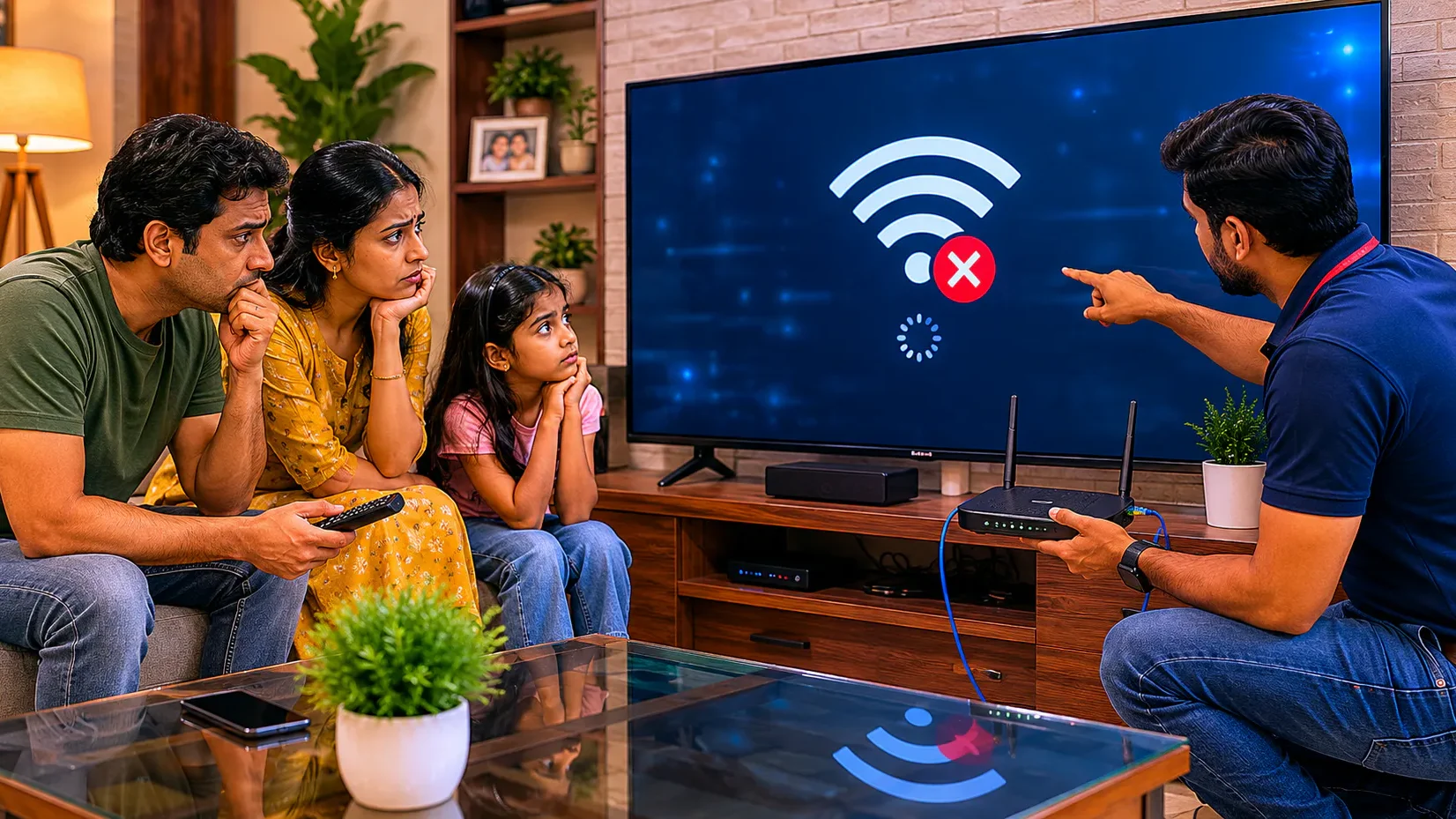
If your Smart TV is not connecting to WiFi, buffering continuously, or showing “No Internet Connection,” you are not alone. Many TV users in Vizag face this issue in Android TVs, LED Smart TVs, OLED TVs, QLED TVs, and Google TVs. Sometimes the TV detects the WiFi network but fails to connect. In other cases, the internet disconnects repeatedly while watching YouTube, Netflix, or OTT apps.
This issue is commonly searched as TV Not Connecting to WiFi in Vizag because internet connectivity has become essential for Smart TV usage. Without proper WiFi connection, apps, streaming services, casting, and software updates stop working properly.
కొన్ని సార్లు ఇది small settings issue మాత్రమే ఉంటుంది. కానీ కొన్ని cases లో motherboard, WiFi module, router conflict, or software issue వల్ల కూడా ఈ problem వస్తుంది.
In this guide, you will learn:
- why Smart TVs fail to connect to WiFi
- common causes
- quick troubleshooting steps
- professional repair solutions
- prevention tips
- when to contact a TV technician in Vizag
## What Causes TV WiFi Connection Problems?
Smart TVs depend on software, WiFi modules, network settings, and motherboard communication. If any of these systems fail, internet connectivity issues may appear.
Common symptoms include:
- TV not detecting WiFi
- “Connected without internet”
- WiFi disconnecting repeatedly
- YouTube not opening
- OTT apps buffering
- slow Smart TV response
- software update failing
- TV showing network error
This issue affects many TV brands including:
- Samsung
- LG
- Sony
- MI
- OnePlus
- TCL
- VU
- Realme
## 1. Weak WiFi Signal
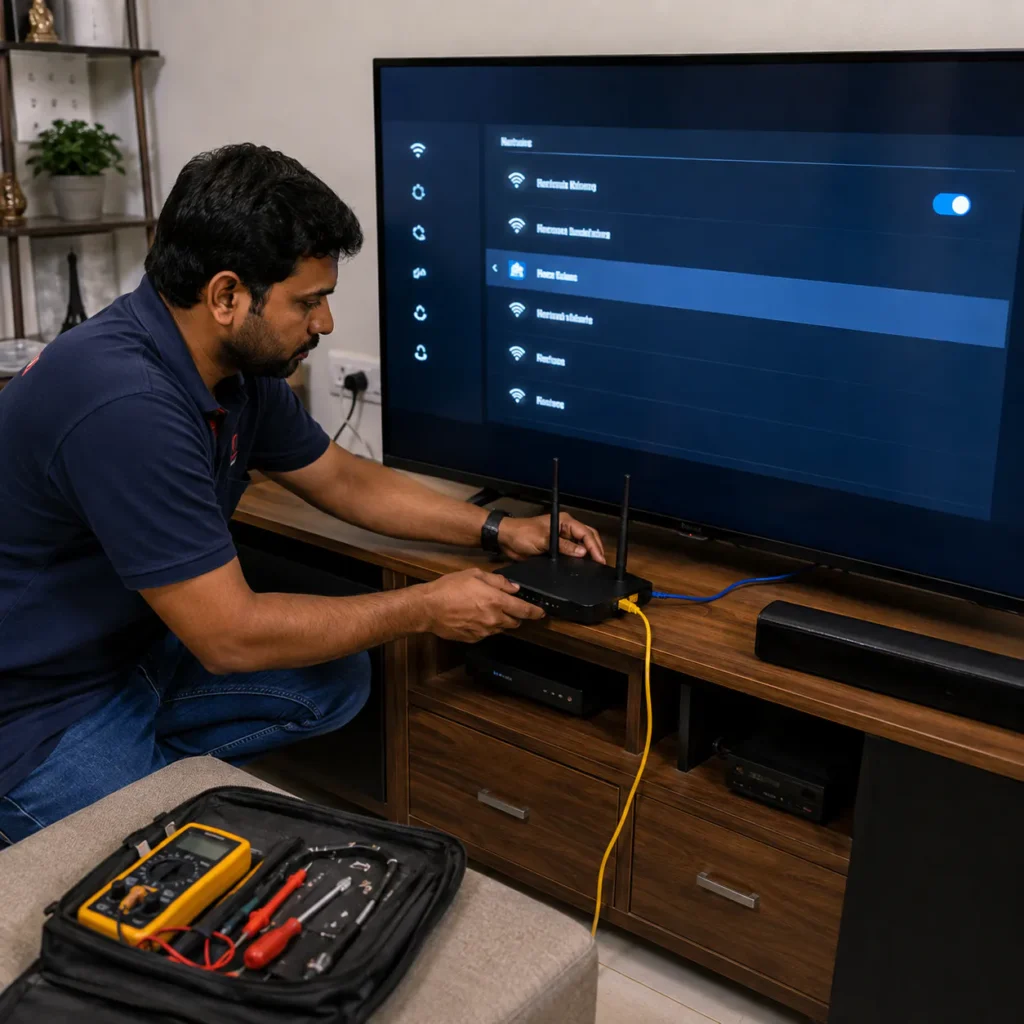
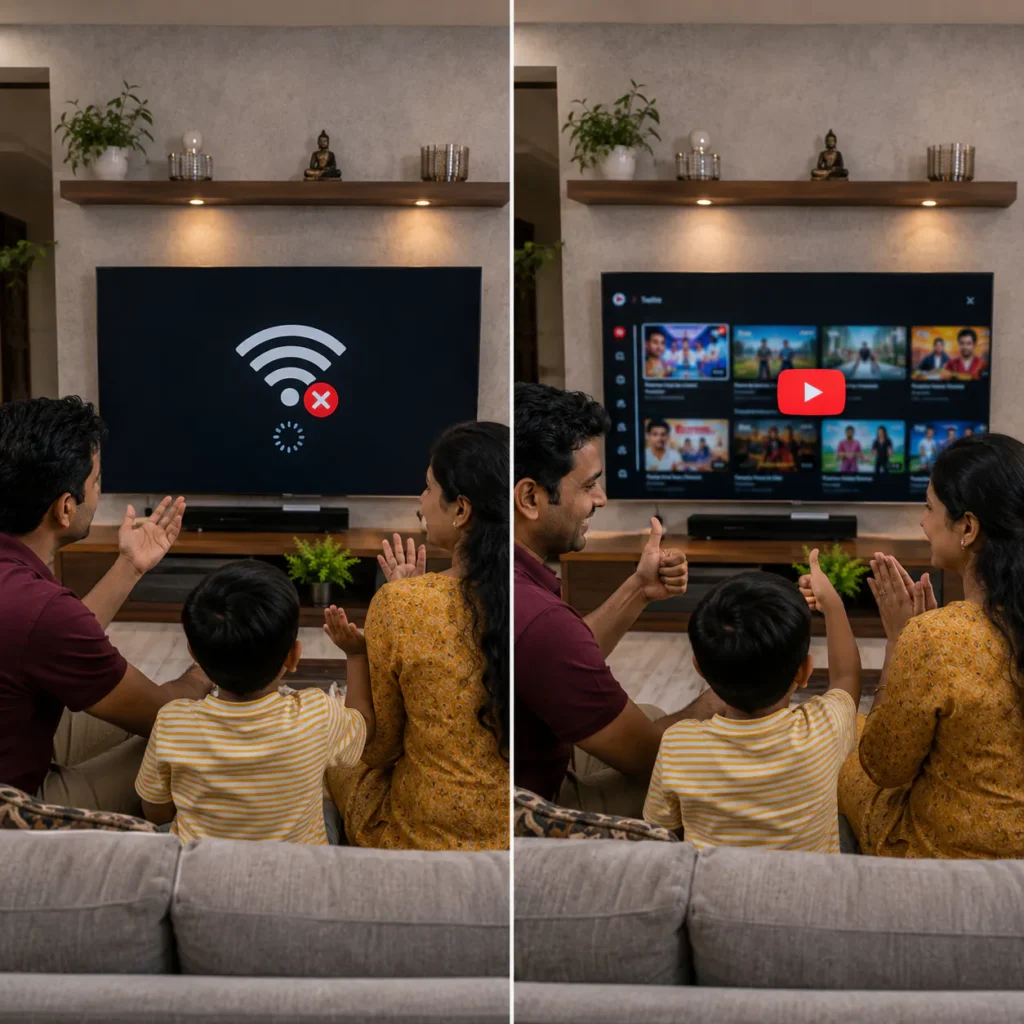
One of the most common reasons behind TV Not Connecting to WiFi in Vizag is weak signal strength.
If the router is too far away from the TV:
- internet speed becomes unstable
- streaming buffers continuously
- TV disconnects frequently
Quick Fix:
- Move router closer
- Restart router
- Avoid wall blockage
- Use dual-band WiFi if available
## 2. Smart TV Software Issue
Smart TVs rely heavily on software and firmware. If the TV software becomes corrupted, network connectivity may stop working properly.
Common software symptoms:
- WiFi option missing
- apps crashing
- internet disconnecting randomly
- Smart TV freezing
ఇలాంటి సమస్యలు mostly software update failure వల్ల వస్తాయి.
Sometimes software reset or firmware reinstall is required.
👉 Related internal link: Smart TV Repair in Vizag
## 3. Router Compatibility Problem
Some older routers may not work properly with newer Smart TVs.
Possible issues:
- unsupported security type
- outdated router firmware
- channel conflict
- DNS issue
Quick Fix:
- Restart router
- Change WiFi password
- Update router firmware
- Use 2.4GHz connection
To understand how WiFi networks work, you can read: Wi-Fi technology
## 4. TV WiFi Module Failure
Inside Smart TVs, a WiFi module handles wireless communication. If this hardware becomes damaged:
- TV cannot detect networks
- WiFi option disappears
- internet disconnects permanently
This issue may require technician inspection.
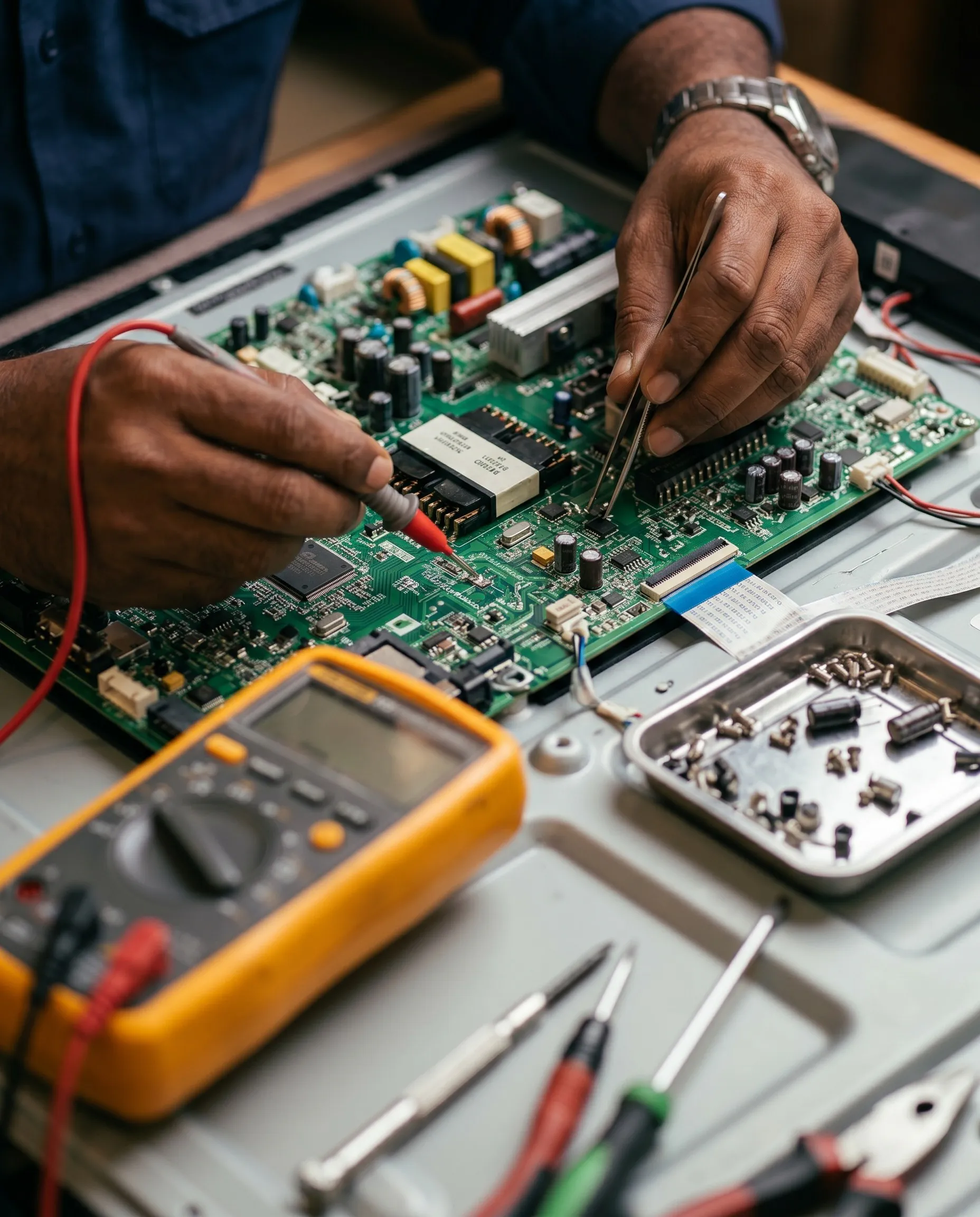
## 5. Motherboard Communication Issue
The motherboard controls Smart TV networking systems. If motherboard circuits fail, WiFi connectivity may stop working properly.
Common signs:
- Bluetooth not working
- apps crashing
- TV restarting
- network settings freezing
👉 You may also need: TV Motherboard Repair in Vizag
## 6. Internet Speed Problems
Sometimes the TV is working correctly, but internet speed is too slow.
This causes:
- YouTube buffering
- Netflix loading slowly
- OTT apps freezing
Quick Fix:
- Restart router
- Reduce connected devices
- Upgrade internet plan
## 7. DNS & Network Configuration Errors
Incorrect DNS settings can block internet access.
Quick Fix:
Try changing DNS manually:
- Google DNS: 8.8.8.8
- Alternate DNS: 8.8.4.4
This solves many Smart TV network issues.
## Quick Troubleshooting Steps for Smart TV WiFi Problem
Before calling a technician, try these steps:
Step 1:
Restart the TV and router
Step 2:
Forget WiFi network and reconnect
Step 3:
Check internet using mobile phone
Step 4:
Update Smart TV software
Step 5:
Move router closer to TV
Step 6:
Disconnect unused devices
Step 7:
Reset network settings
కొన్ని cases లో ఈ simple troubleshooting steps తోనే issue solve అవుతుంది.
## Why TV WiFi Problems Increase Over Time
Many users ignore small connectivity issues initially. Over time:
- software corruption increases
- motherboard stress grows
- WiFi module weakens
- overheating affects circuits
This may eventually stop Smart TV features completely.
Early diagnosis helps reduce repair costs.
## Can Smart TV WiFi Problems Be Repaired?
Yes, most TV Not Connecting to WiFi in Vizag issues are repairable.
Repair depends on:
- software condition
- motherboard health
- WiFi module status
- router compatibility
Minor software issues usually cost less to repair compared to motherboard replacement.
## Professional Smart TV Repair Service in Vizag
Professional TV technicians can diagnose:
- WiFi module problems
- motherboard issues
- software corruption
- network configuration errors
Most technicians provide doorstep Smart TV repair support across Vizag.
👉 For complete support visit: TV Repair Vizag
## TV WiFi Repair Cost in Vizag
Repair cost depends on:
- TV brand
- Smart TV model
- motherboard condition
- software issue severity
- spare parts required
Simple software fixes may cost less, while hardware replacement may cost more.
Proper inspection is necessary before final pricing.
## How to Prevent Smart TV WiFi Problems
Follow these tips to reduce future network issues:
- Keep router near TV
- Update TV software regularly
- Avoid overheating
- Use good internet connection
- Restart router weekly
- Keep Smart TV storage clean
చిన్న maintenance habits వల్ల Smart TV performance improve అవుతుంది.
## Related TV Repair Services in Vizag
You may also need:
- TV Display Repair in Vizag
- TV Backlight Repair in Vizag
- TV Motherboard Repair in Vizag
- Smart TV Repair in Vizag
These internal links improve SEO structure and user navigation.
## FAQs
1. Why is my TV not connecting to WiFi?
This may happen due to software issue, weak signal, motherboard problem, or router compatibility issue.
2. Can Smart TV WiFi problems be repaired?
Yes, many Smart TV WiFi issues are repairable after proper diagnosis.
3. Why does my TV disconnect from WiFi repeatedly?
Weak signal, overheating, router problems, or software corruption can cause repeated disconnections.
4. Does motherboard issue affect TV WiFi?
Yes, motherboard communication problems can stop Smart TV networking functions.
5. Do you provide doorstep Smart TV repair in Vizag?
Yes, doorstep Smart TV repair service is available across major Vizag areas.
## Conclusion
If your Smart TV is not connecting to WiFi, don’t panic. Many internet connectivity issues are repairable through proper diagnosis and troubleshooting. Whether the issue is related to software, motherboard, WiFi module, or router settings, professional TV repair technicians in Vizag can help restore Smart TV functionality safely.
For fast support with TV Not Connecting to WiFi in Vizag, choose experienced technicians who provide reliable doorstep Smart TV repair service across Vizag.
📞 Need Smart TV Repair in Vizag?
Get fast doorstep support for:
- WiFi connection problems
- Smart TV software issues
- YouTube buffering
- network errors
- motherboard repair
👉 Call now for professional Smart TV repair service across Vizag.